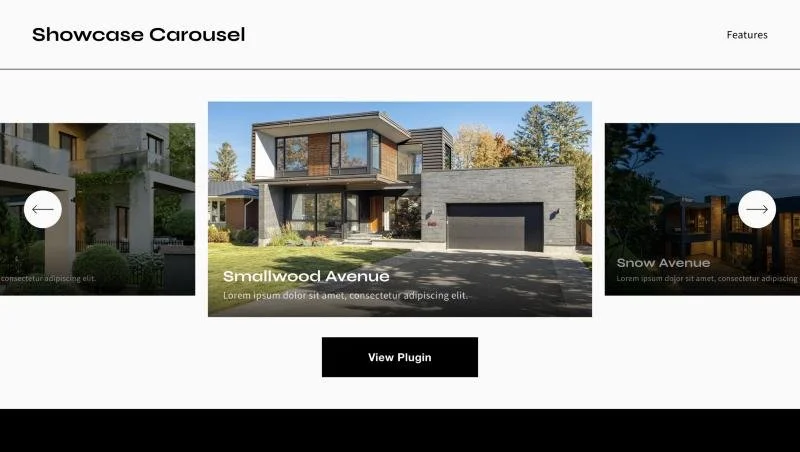
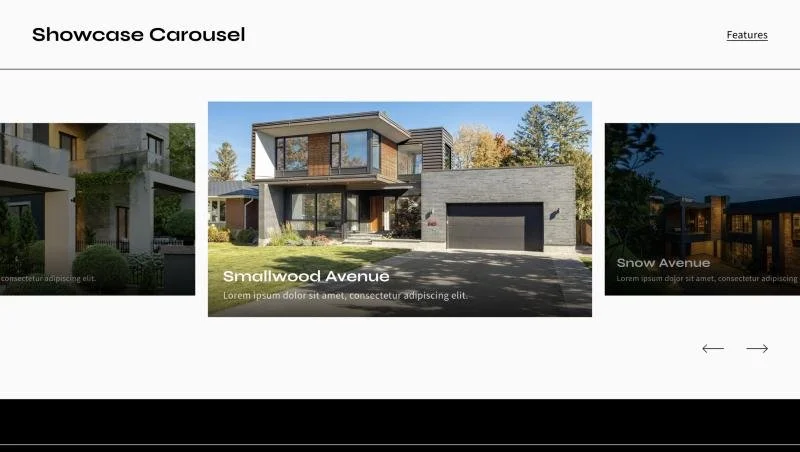
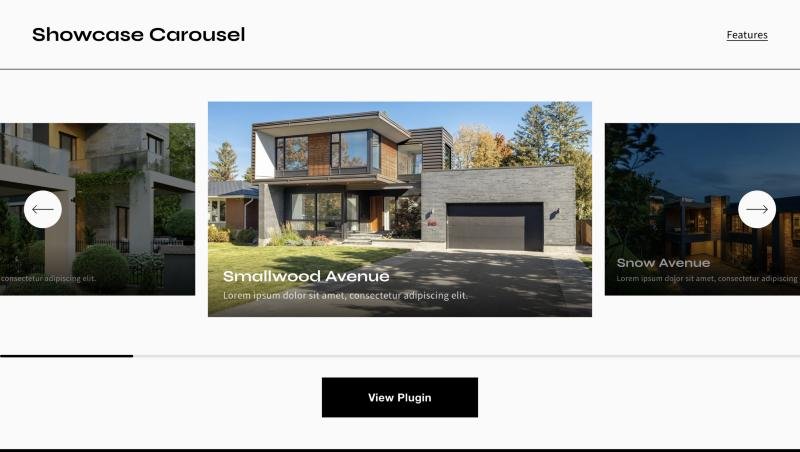
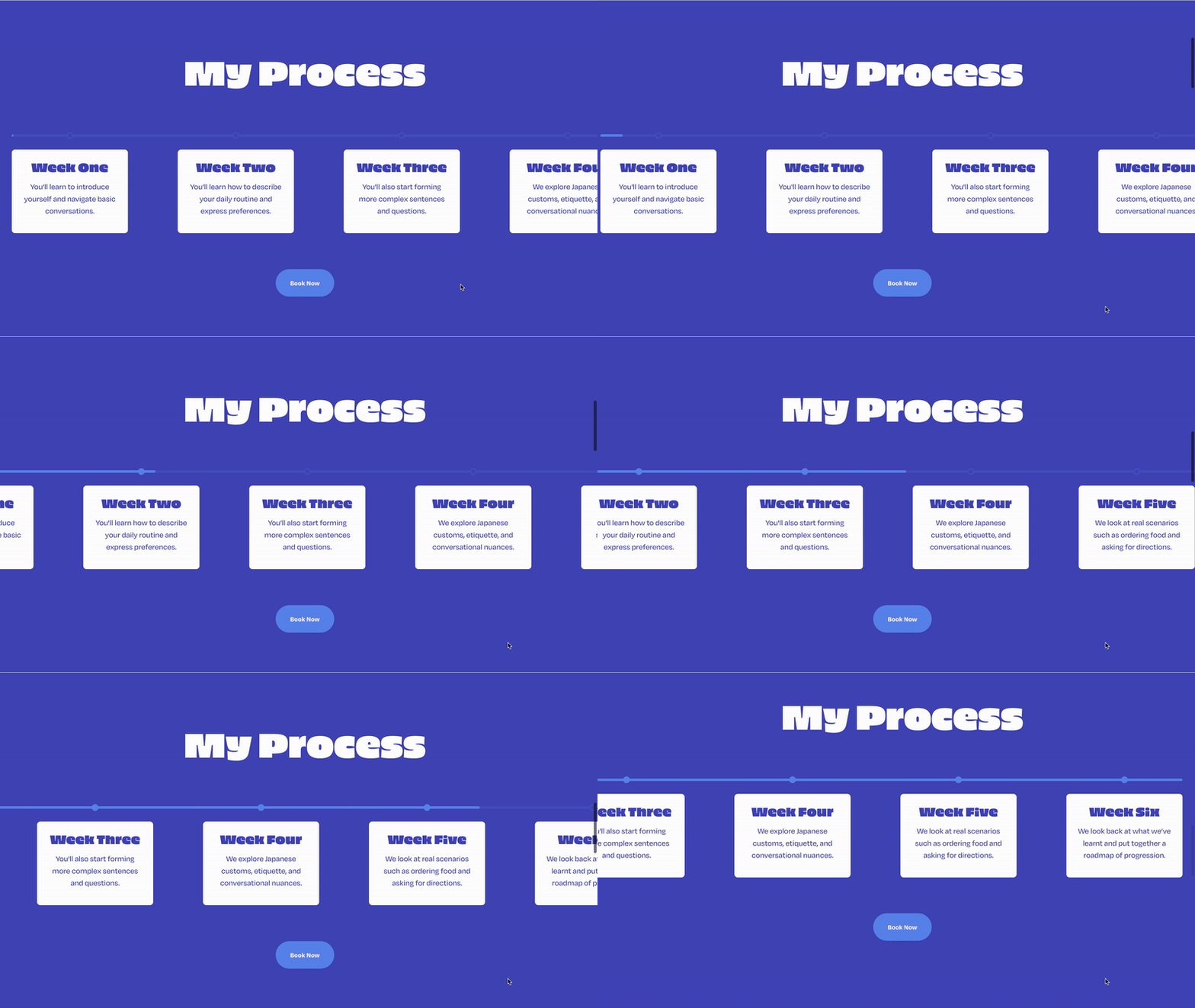
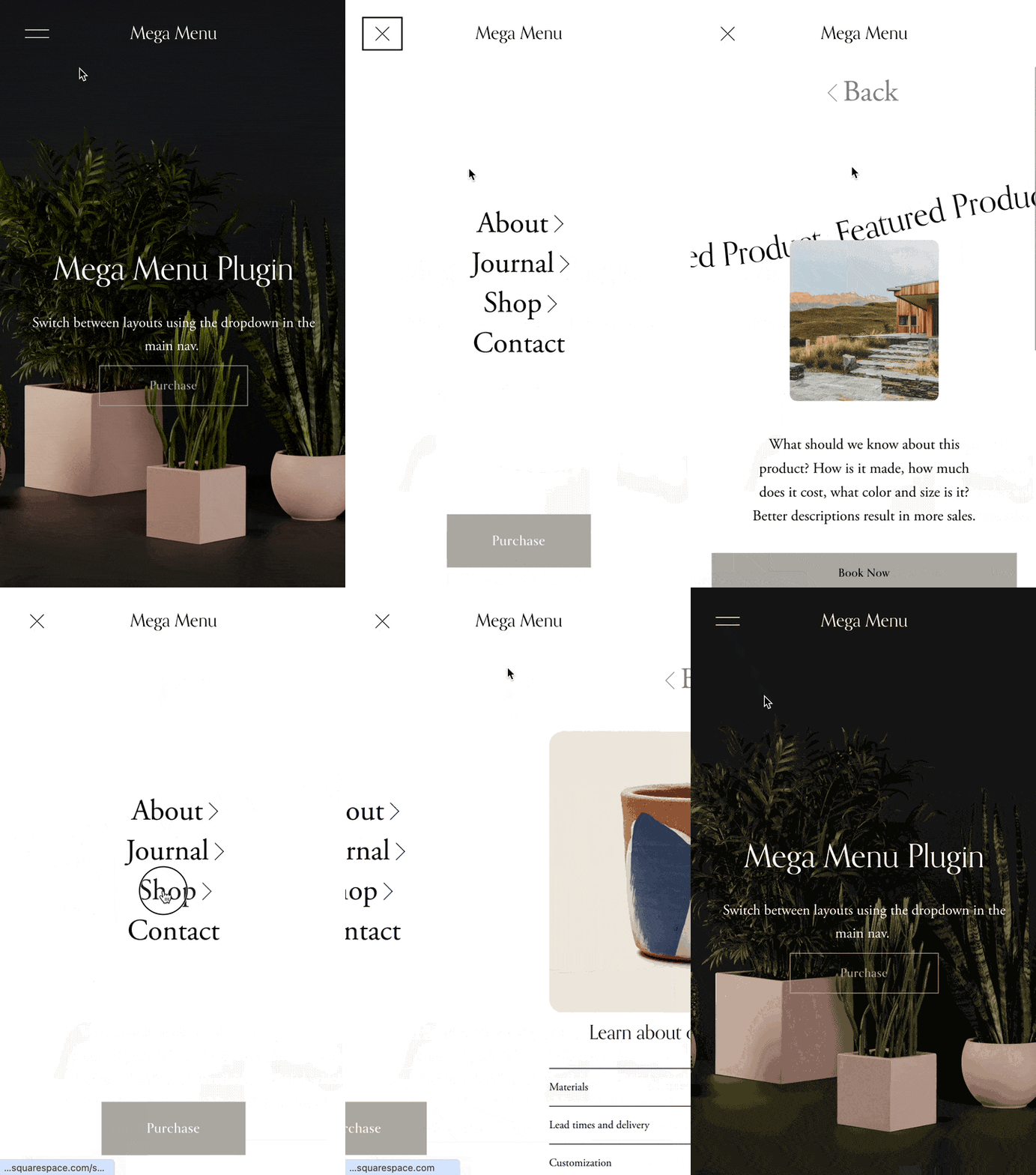
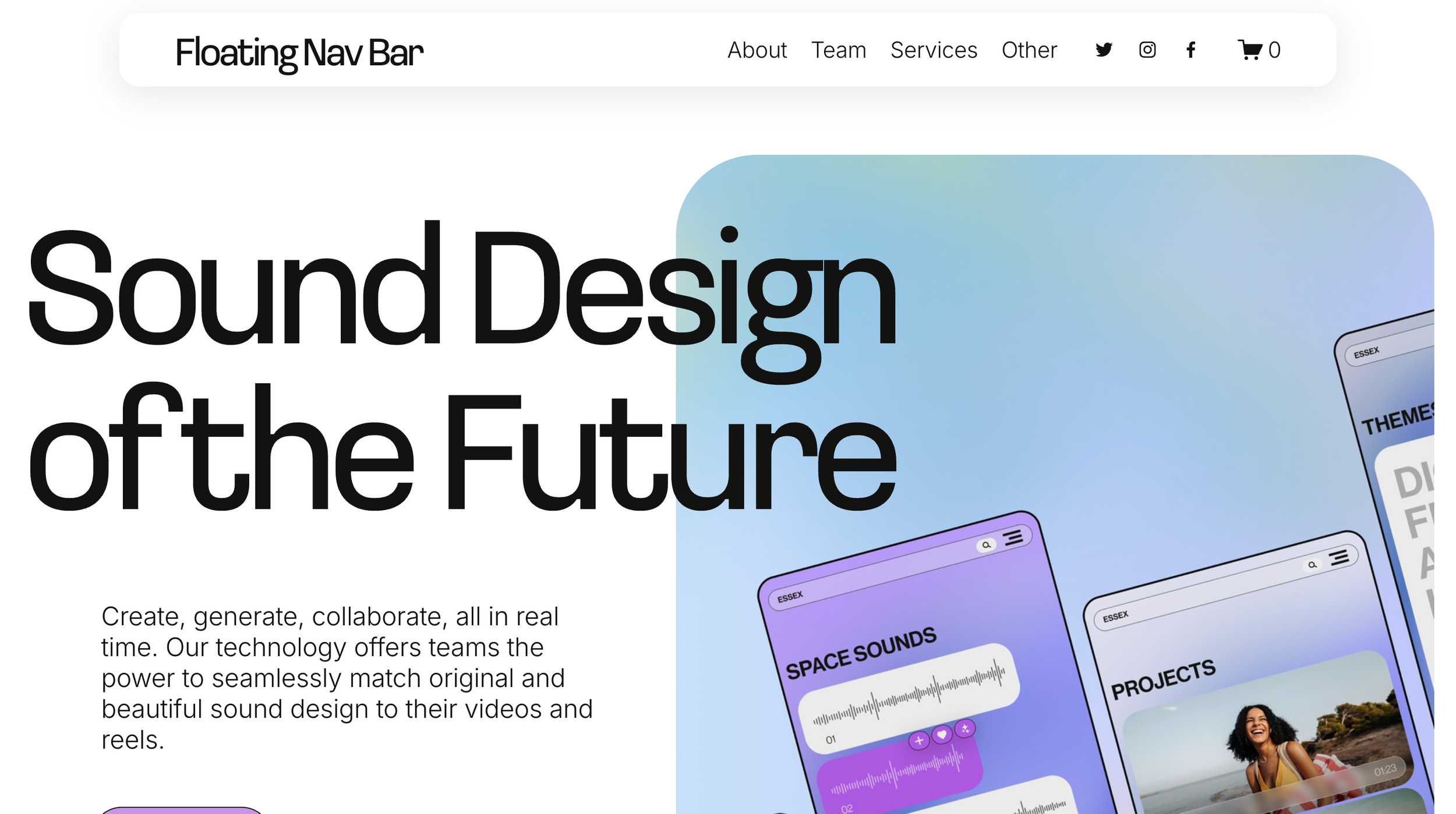
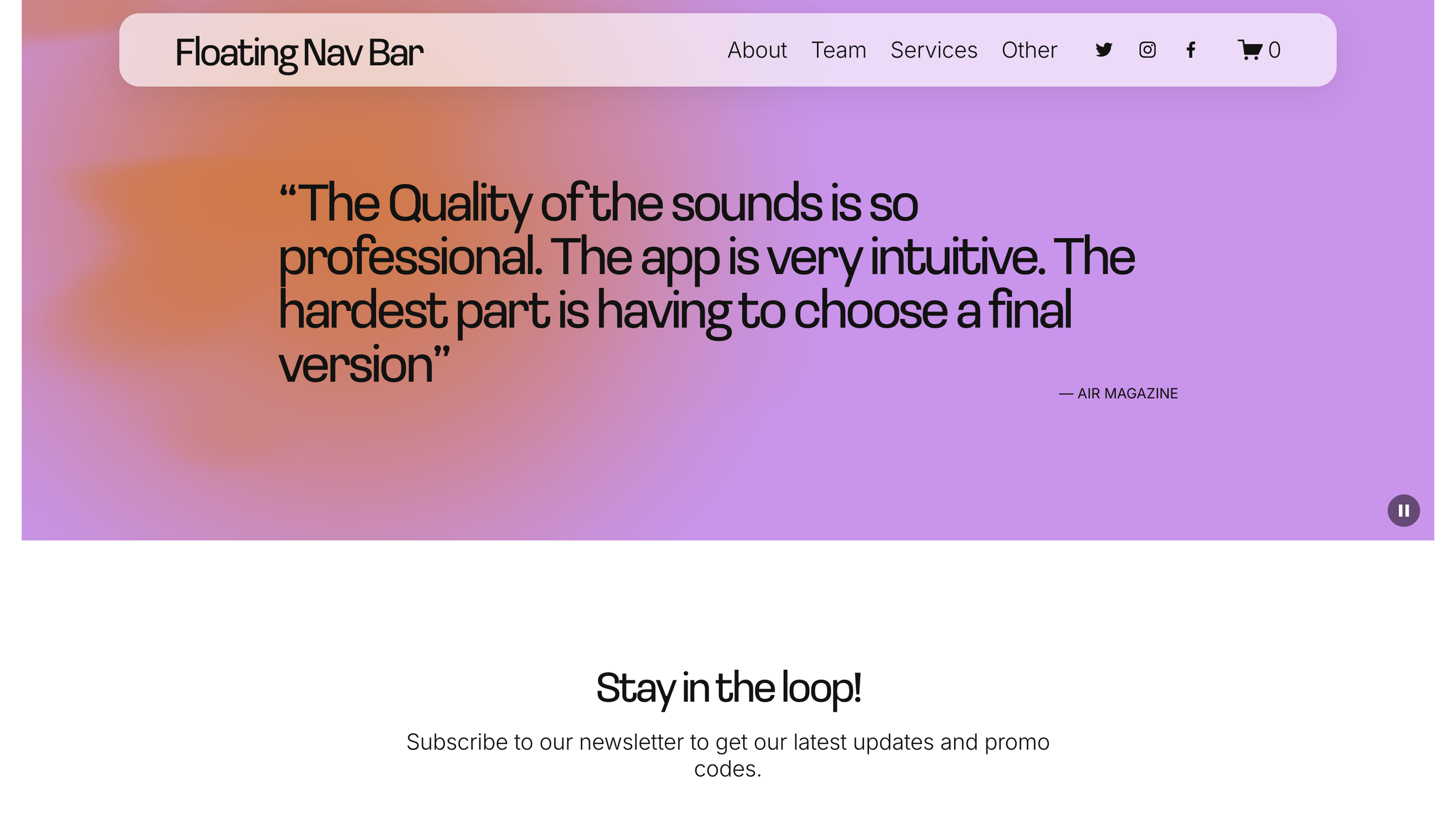
 Image 1 of 5
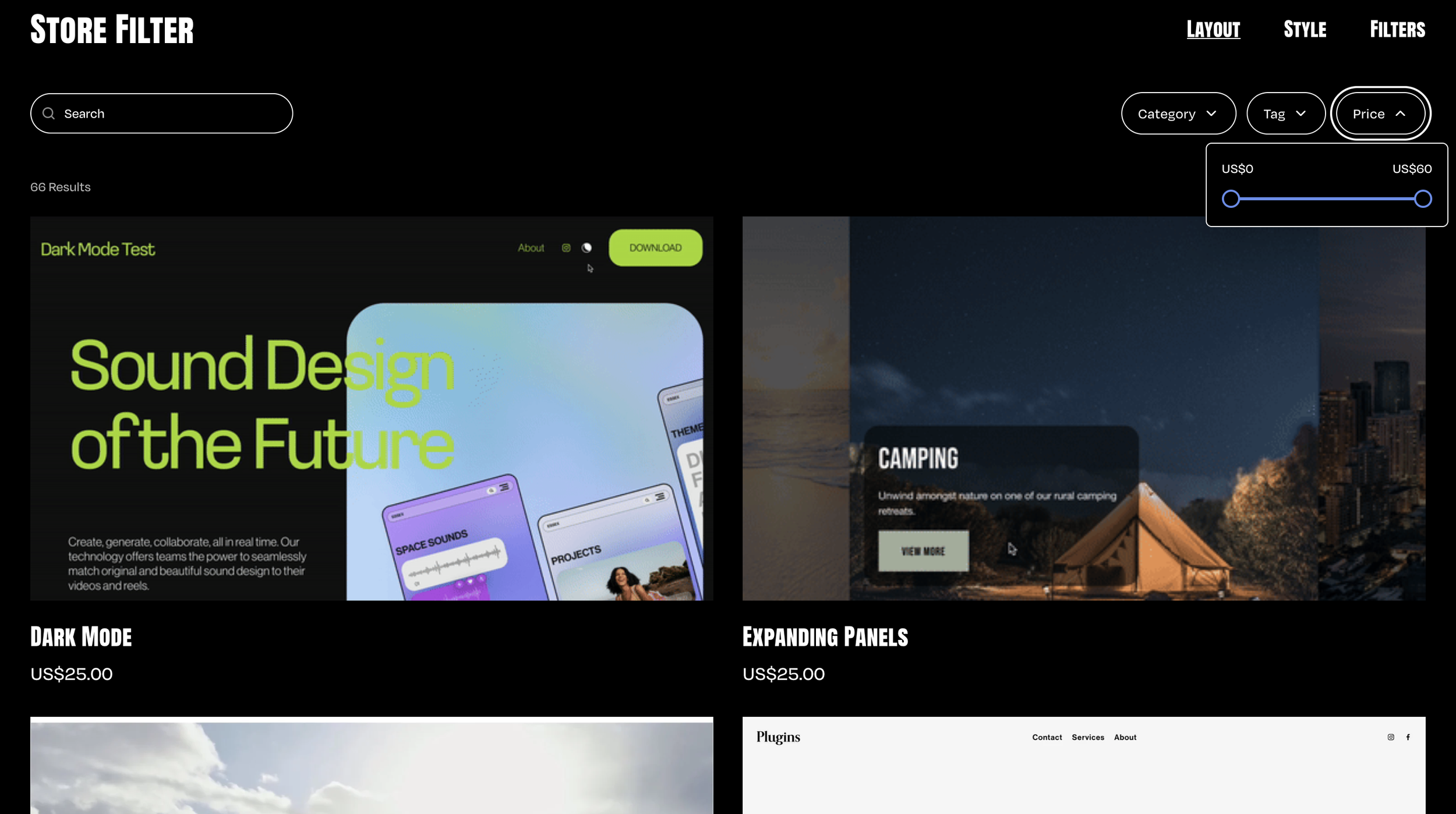 Image 2 of 5
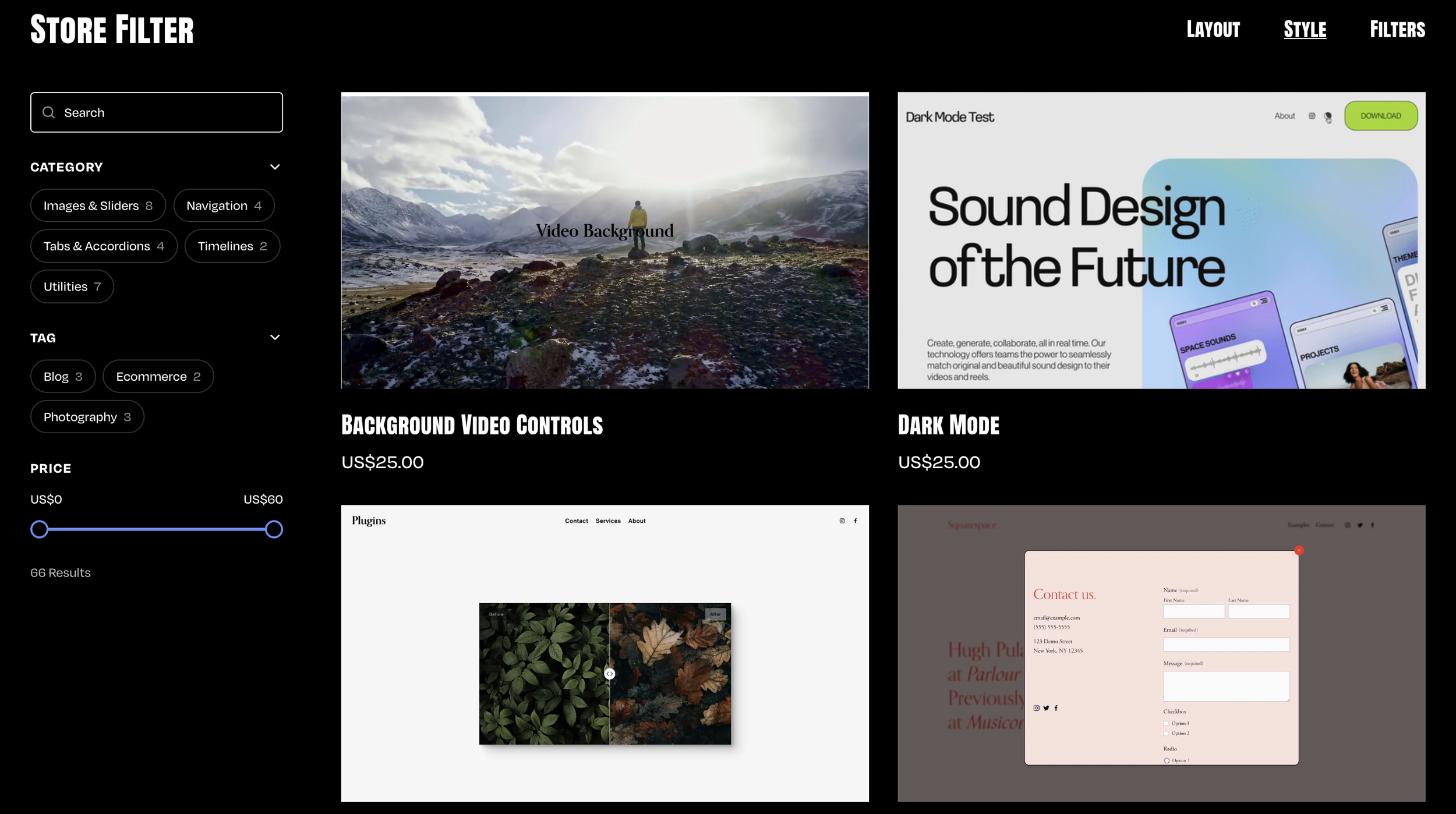 Image 3 of 5
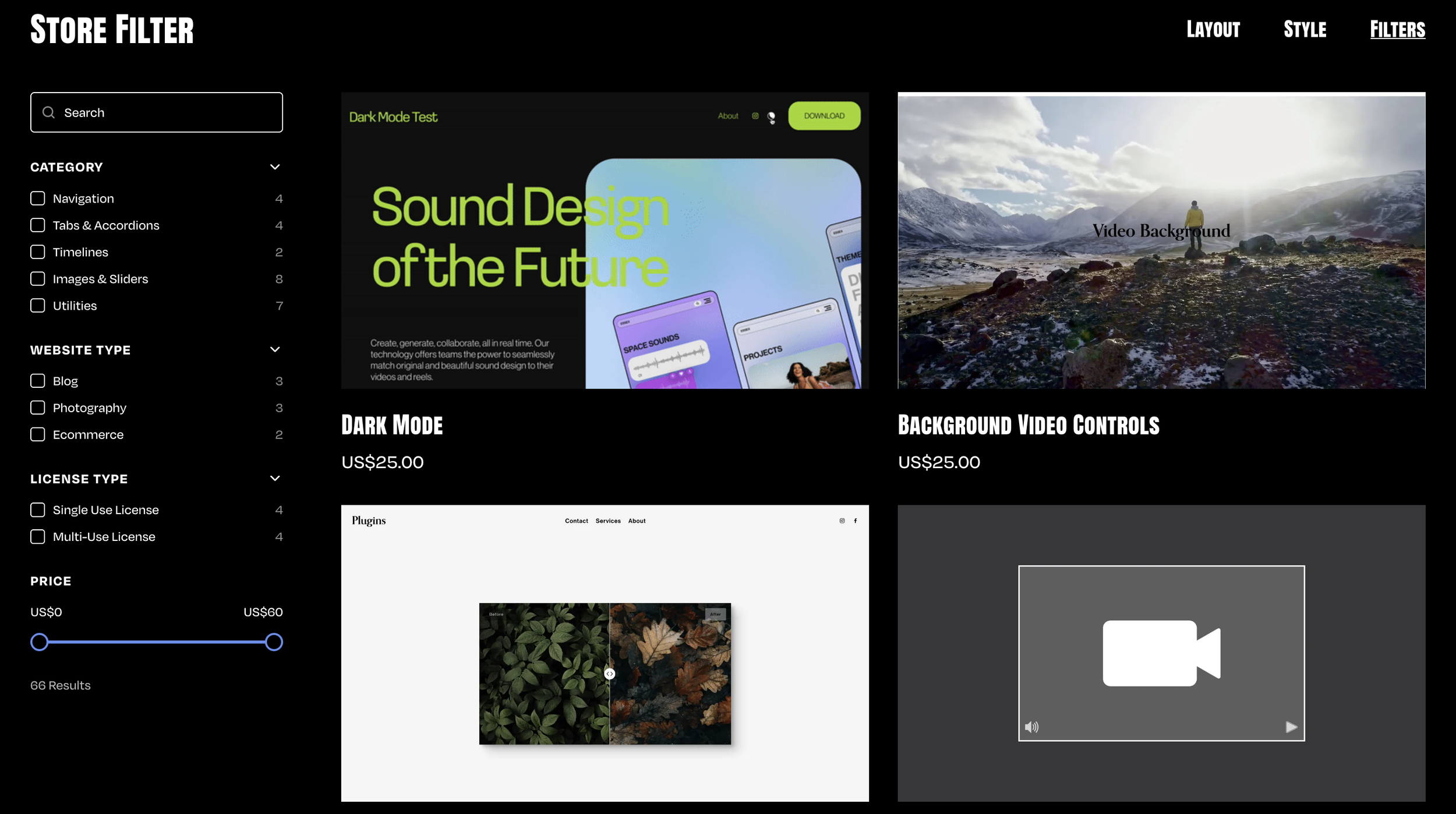 Image 4 of 5
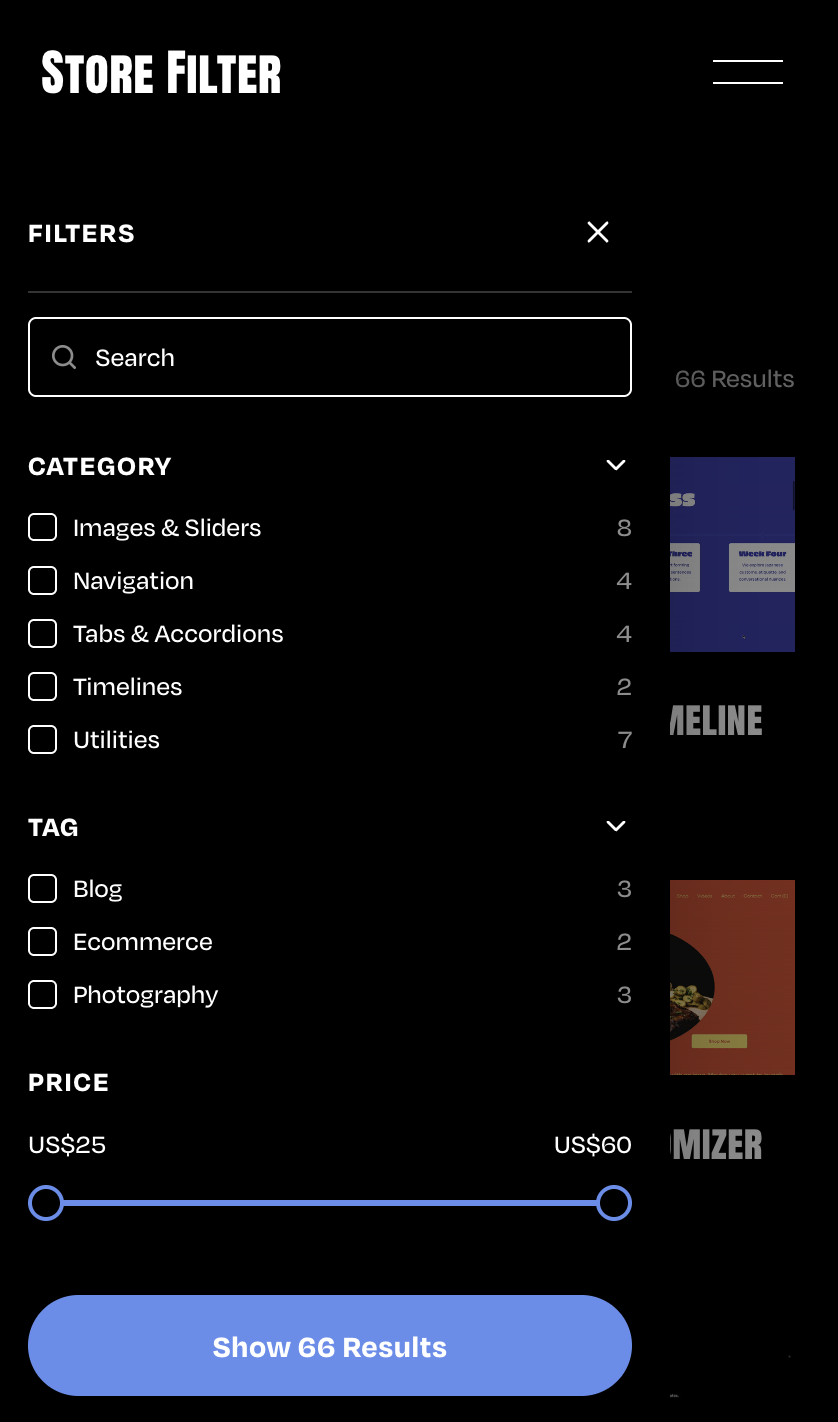 Image 5 of 5
✓ Simple Installation
✓ Customizations available via CSS
✓ Mobile Friendly
Compatible with:
Squarespace Core (Business) plans and higher (not Basic (Personal) plans)
All Squarespace 7.1 Websites
Fluid Engine Compatible
We can't guarantee compatibility with any other custom code or third-party software. Get in touch with support if you have any questions.
Single License - Allowed for use on a single website.
Multi-Use License - Allowed for use on unlimited websites, and in Squarespace Templates for sale.
This plugin comes with copy-and-paste code to customize this to your design.
Our support services are provided on a best effort basis for the first 60 days after purchase.
We offer support for universal technical issues related to this plugin, but not for individualized installation, customization, or development services beyond what's presented on the installation page.
We can't guarantee compatibility with other plugins or third-party software.
✓ Use as part of a template you’re building
✓ Approved for use on unlimited websites
-
One-Time Purchase
Pay once and it’s yours. No subscription and no renewal fees.
-
Maintenance
We automatically update our plugins to stay up to date with Squarespace.
-
Support
We pride ourselves on our friendly, human support.
-
Simple Installation
Every plugin comes with clear instructions and copy-and-paste code.
Features
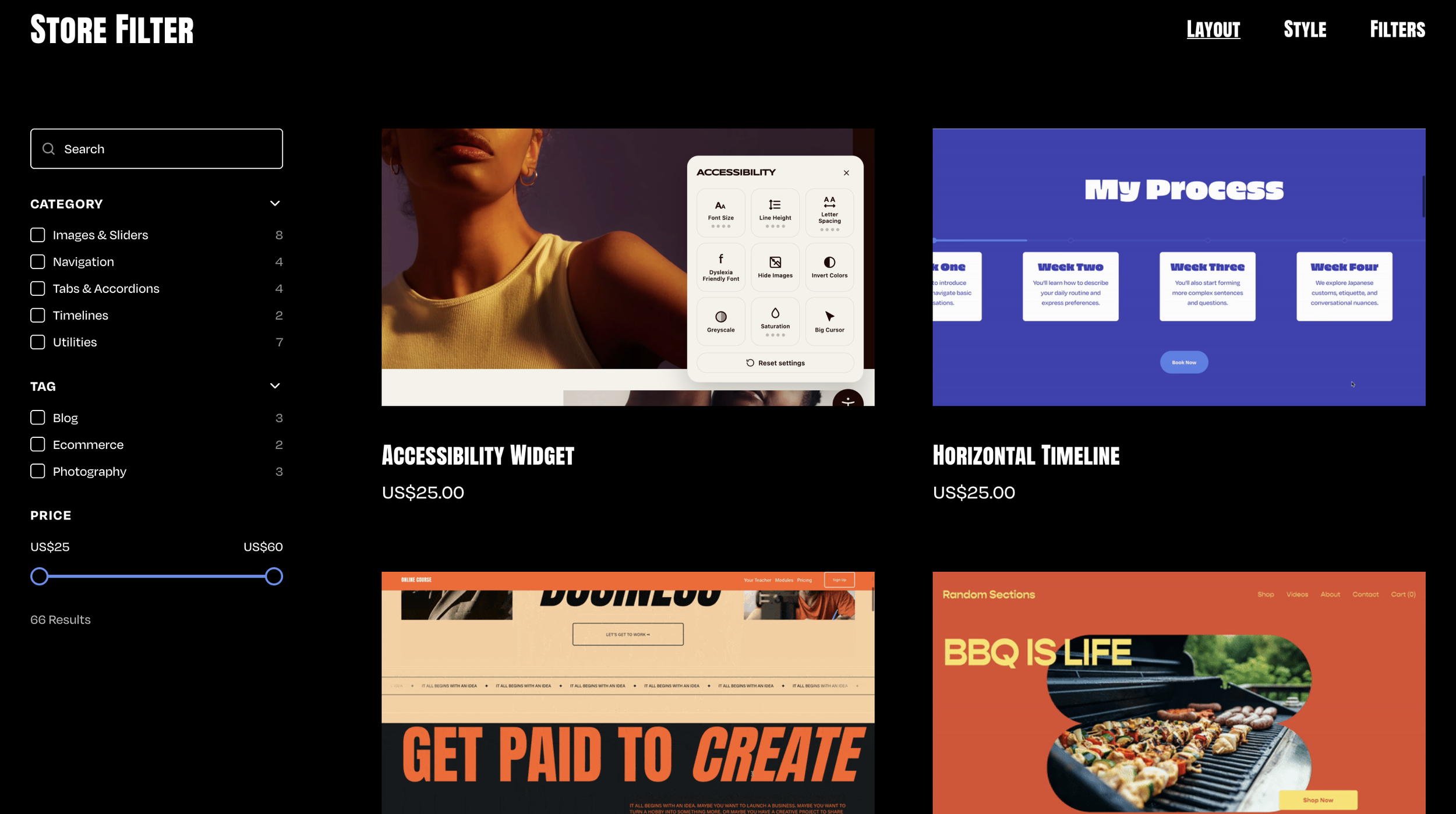
Search
Looks through every product's title, excerpt, categories and tags as a visitor types.
Categories & Tags
Builds a Category group and a Tags group from your Squarespace content, ready to tick.
Price Range
A slider that keeps only the products sitting between the two prices a visitor sets.
Whole Catalogue
Loads every product when the page opens, so a filter shows the whole store, not just page one.
Your Product Cards
The items stay Squarespace's own cards, so the layout, columns, spacing and aspect ratio you set keep applying.
Sidebar or Top
A sticky sidebar beside the products by default, or a row of dropdown pills above them.
Mobile Drawer
A slide-out drawer behind a Filter button on phones.
Pagination
Numbered pages or a Load More button, using however many items the section was set to show.
Theme Colors
Every color inherits the section's theme, so the filters look at home in a light or a dark section.