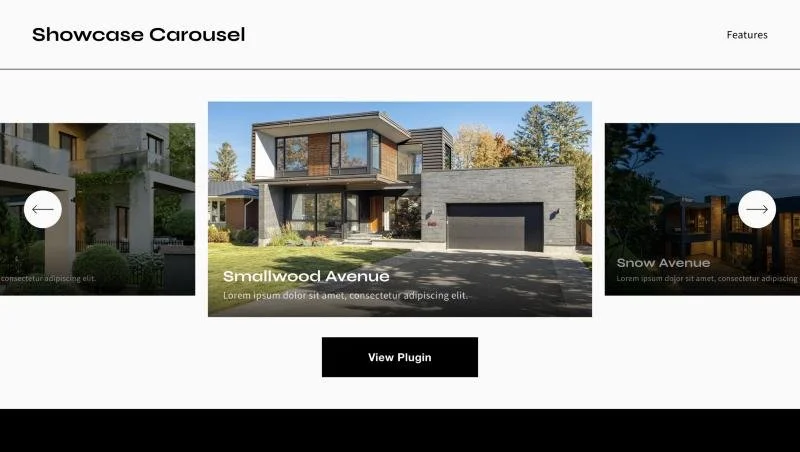
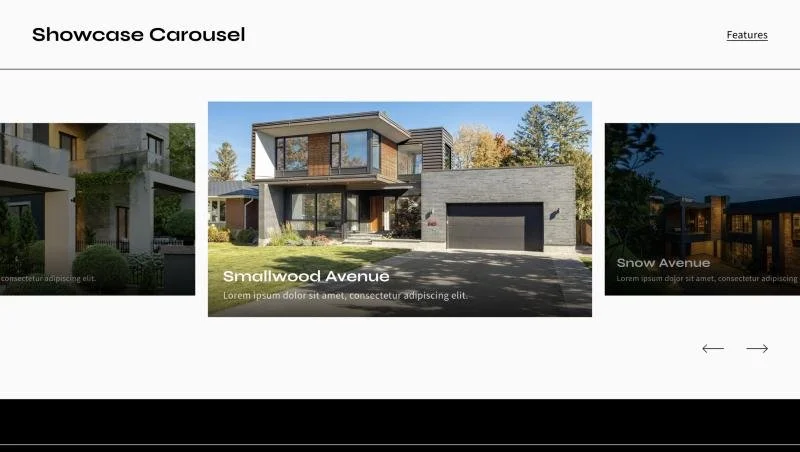
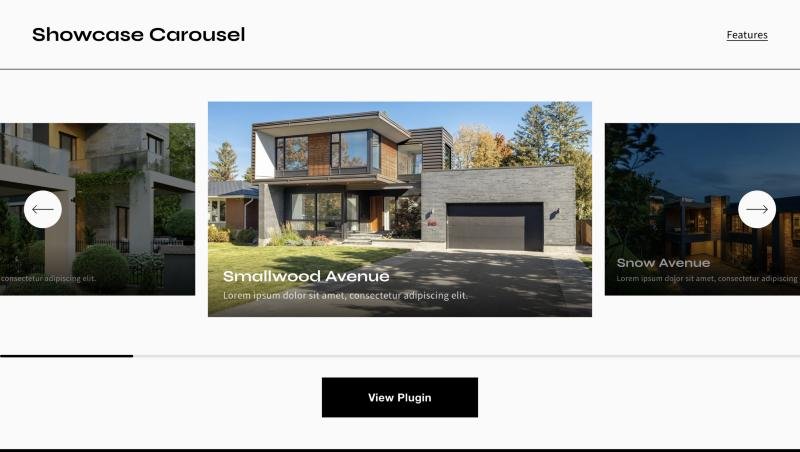
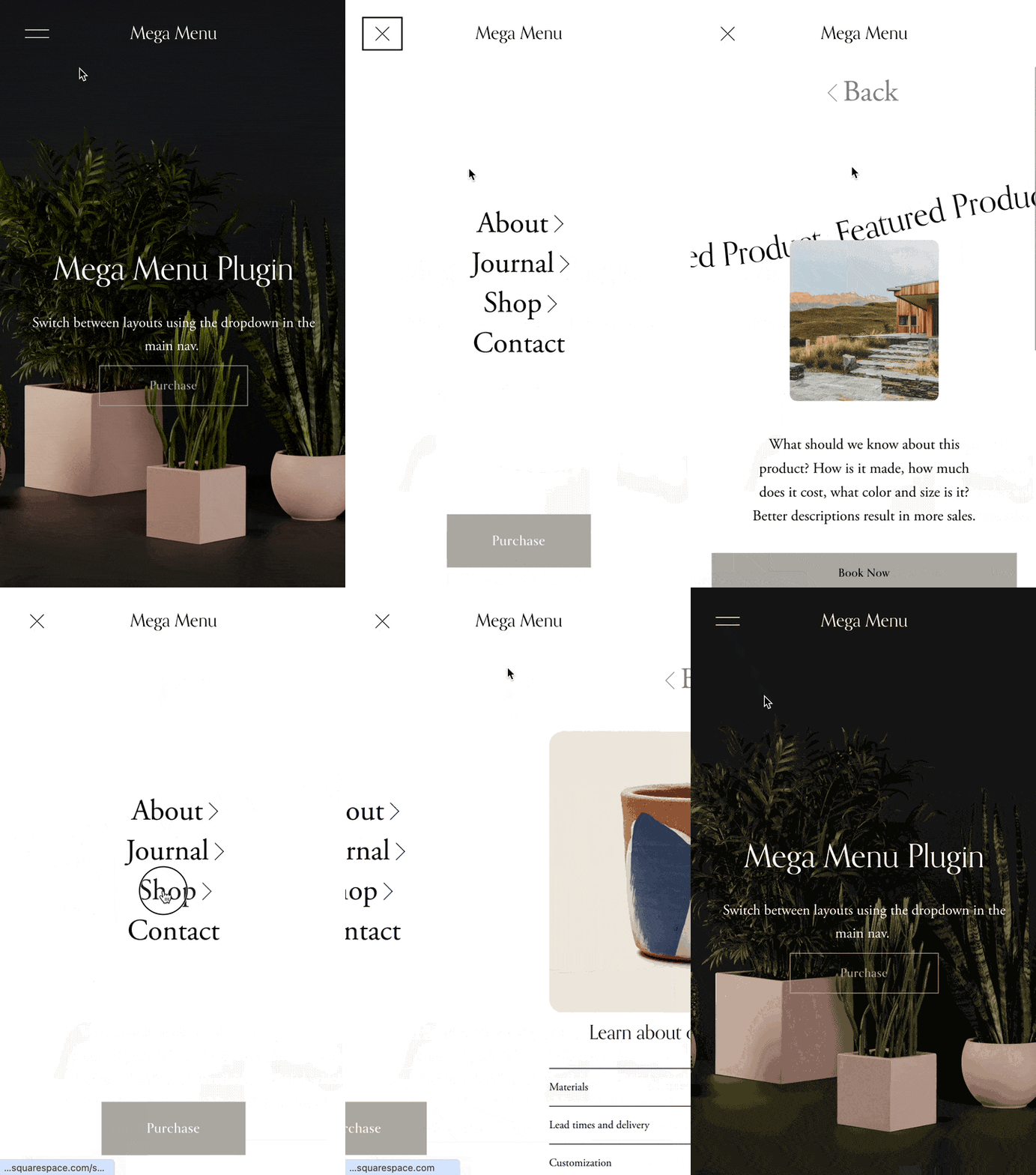
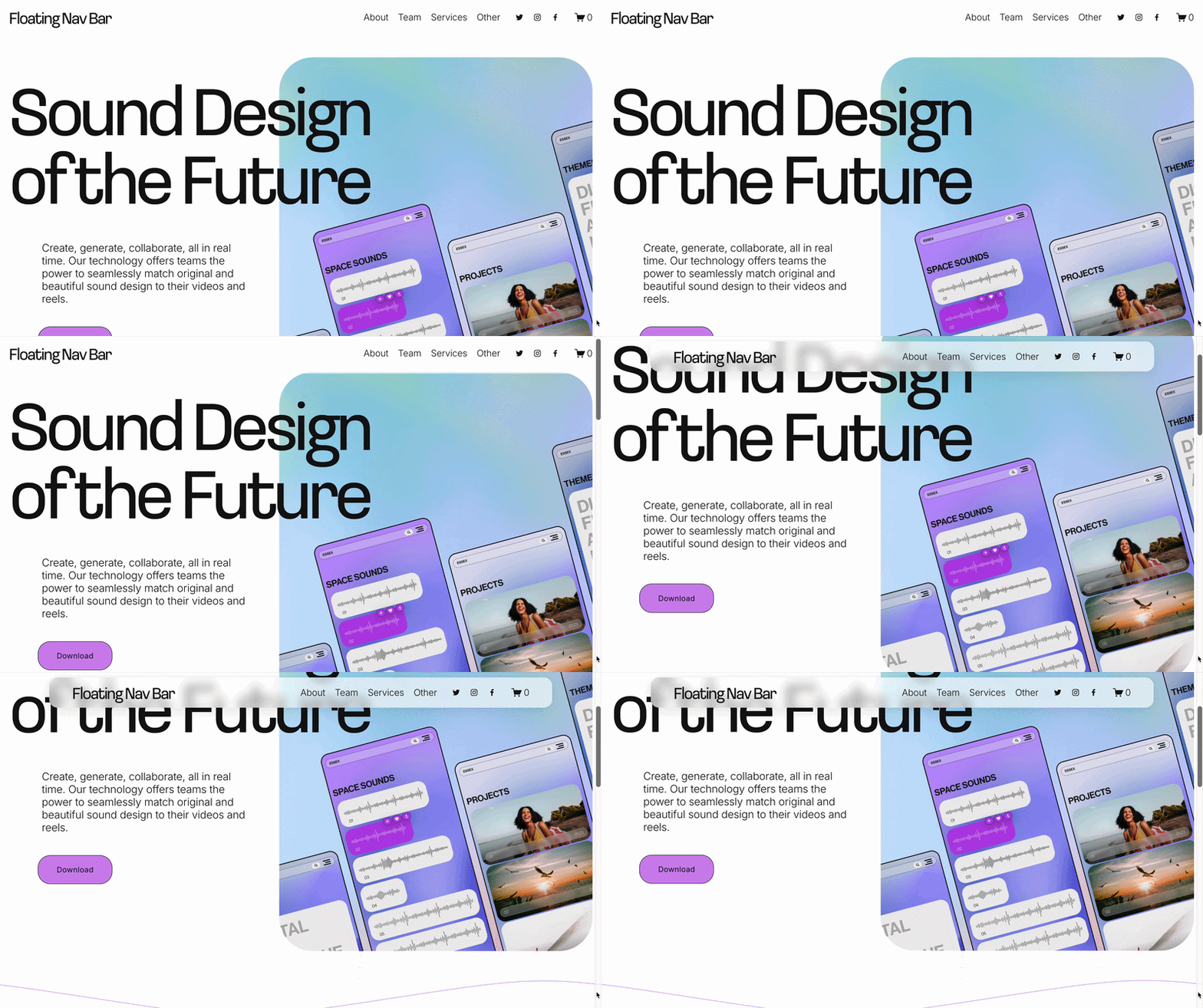
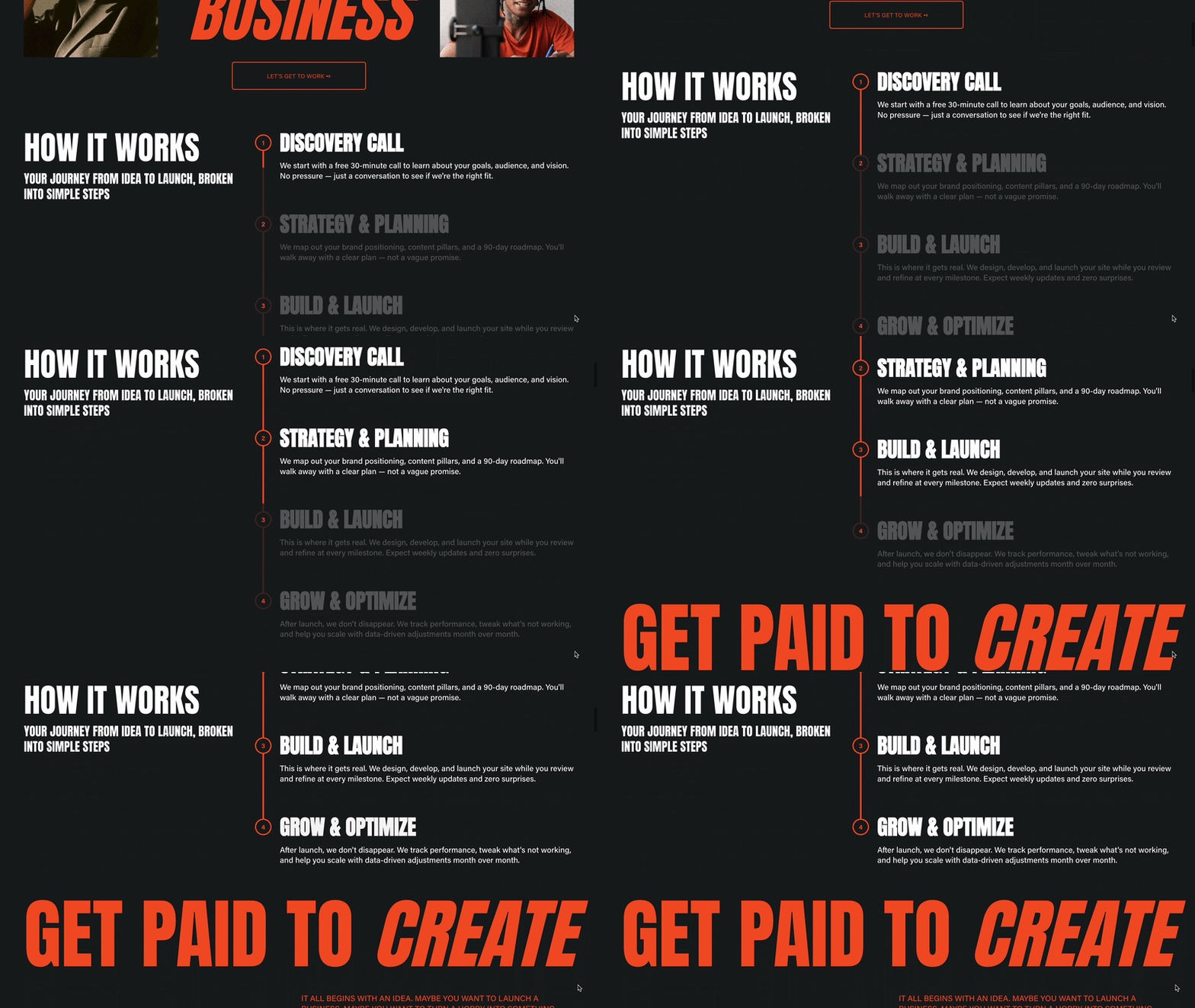
 Image 1 of 3
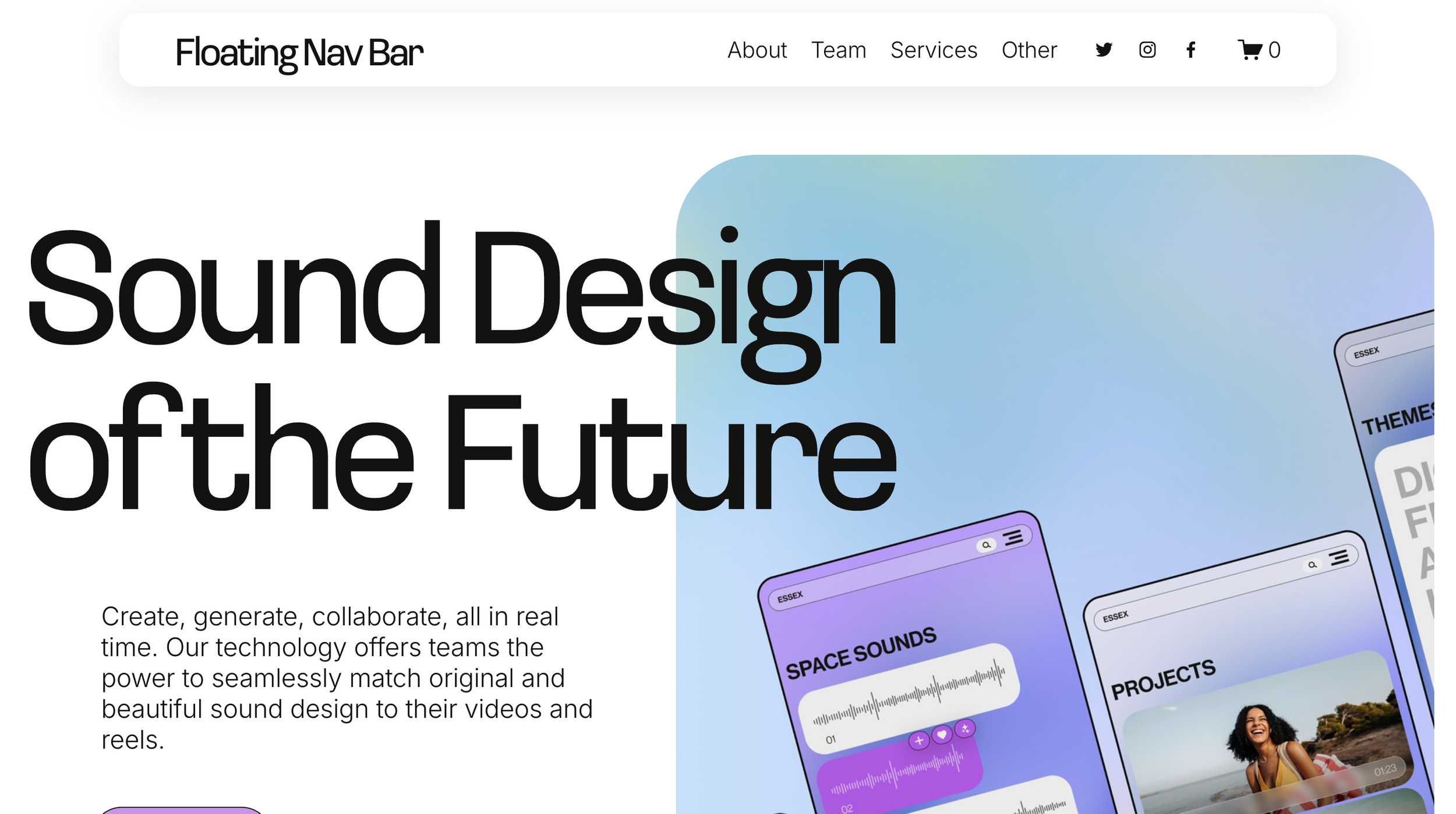
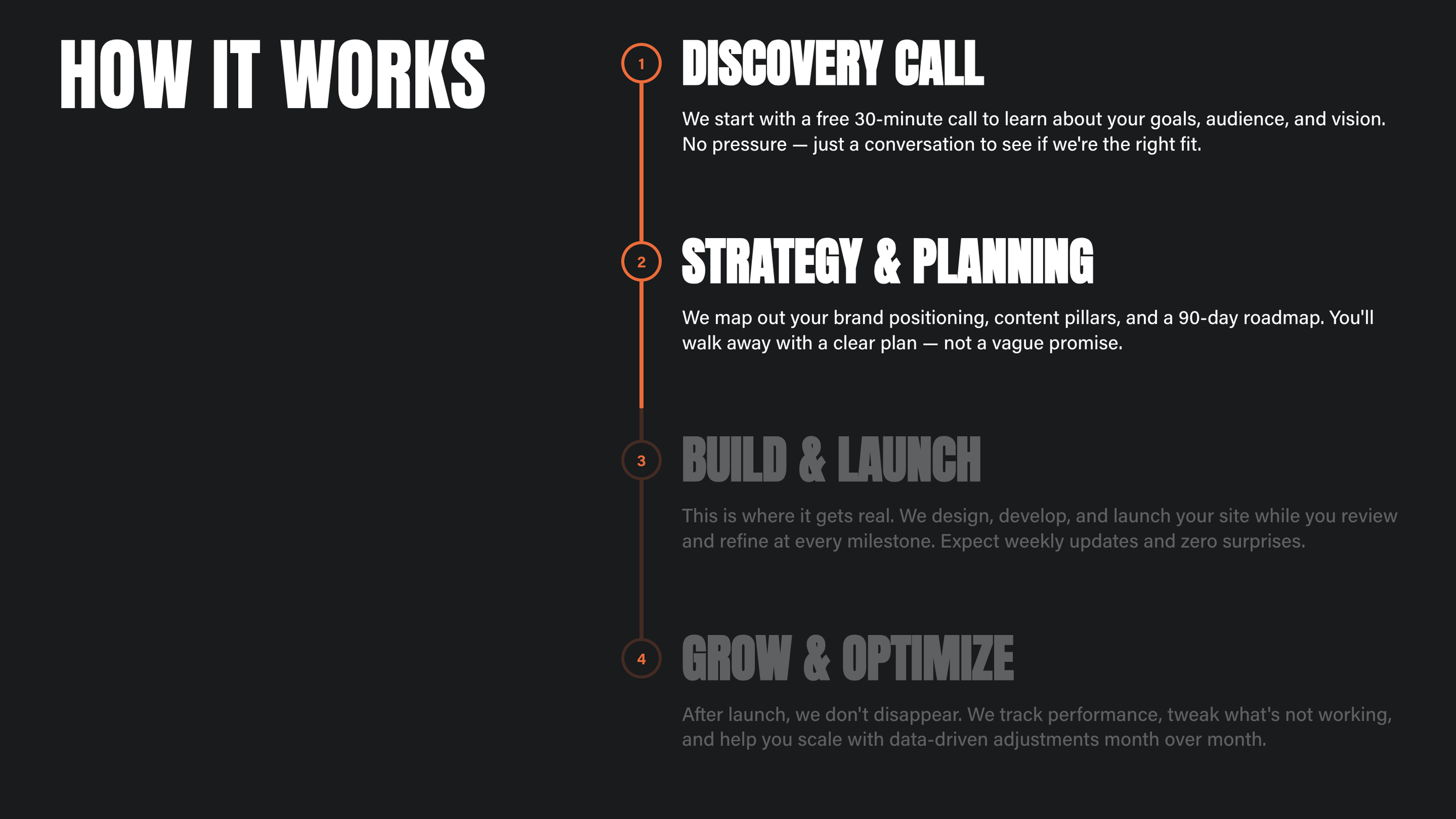 Image 2 of 3
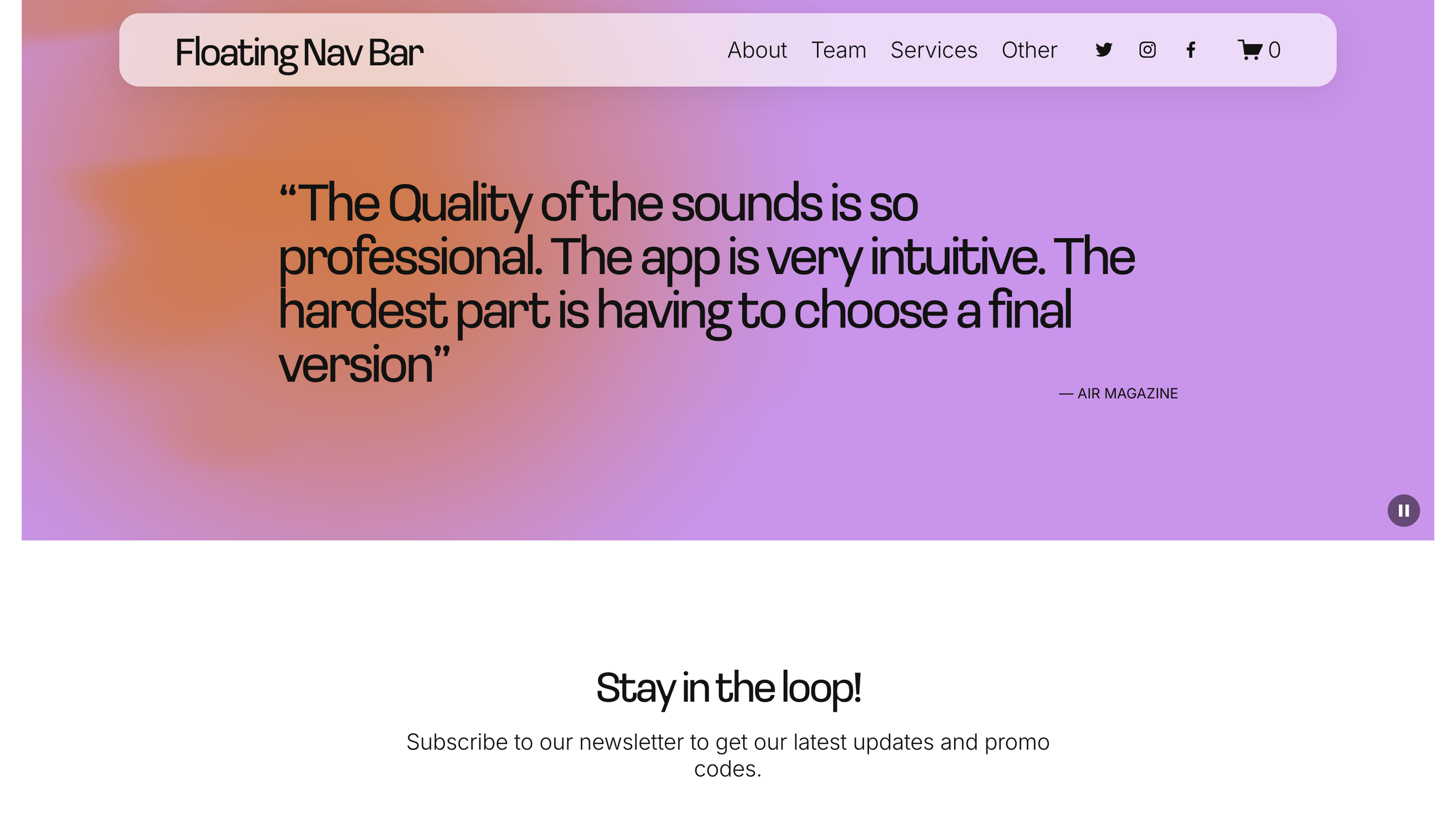
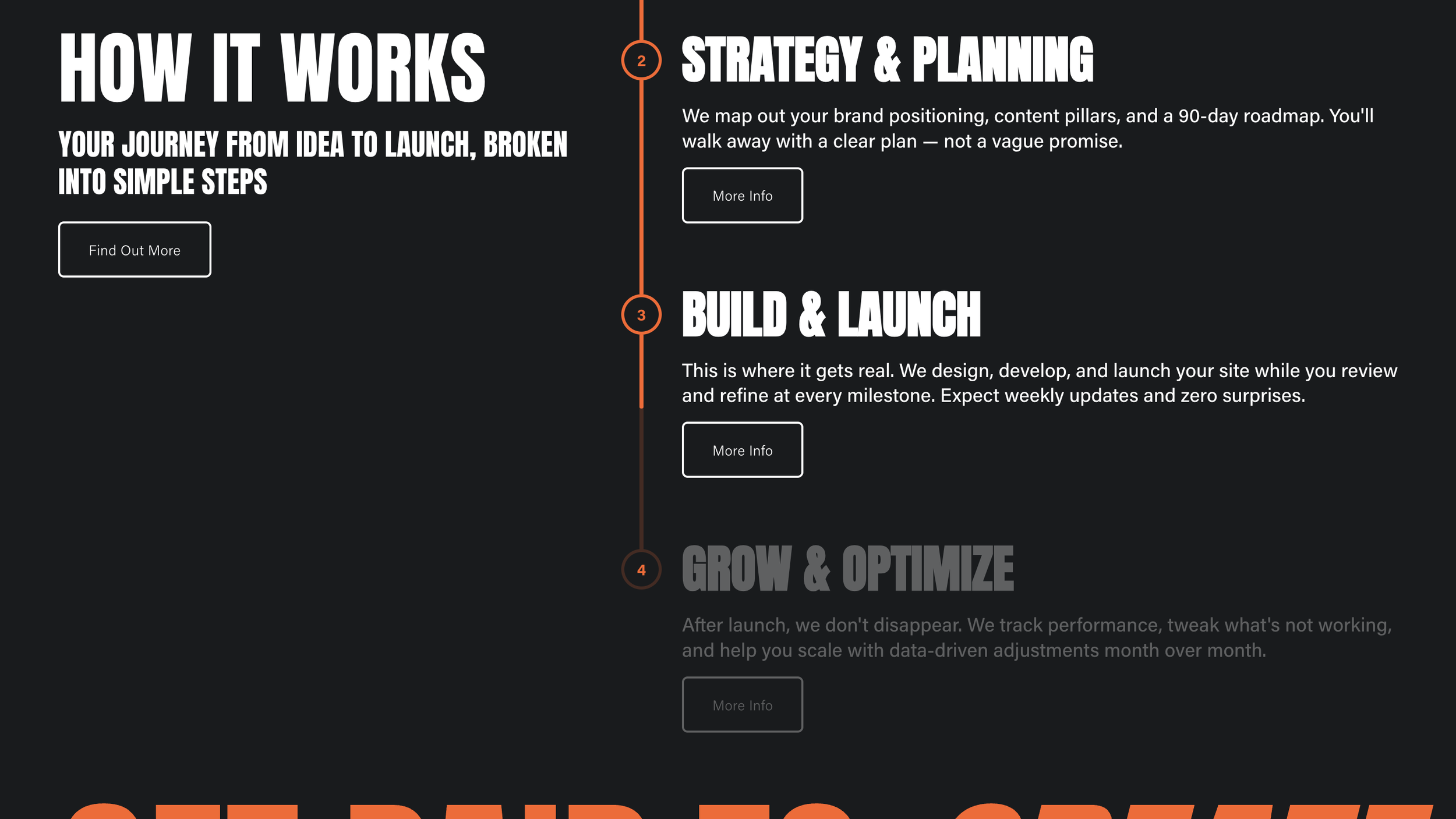 Image 3 of 3
✓ Simple Installation
✓ Customizations available via CSS
✓ Mobile Friendly
Compatible with:
Squarespace Core (Business) plans and higher (not Basic (Personal) plans)
All Squarespace 7.1 Websites
Fluid Engine Compatible
We can't guarantee compatibility with any other custom code or third-party software. Get in touch with support if you have any questions.
Single License - Allowed for use on a single website.
Multi-Use License - Allowed for use on unlimited websites, and in Squarespace Templates for sale.
This plugin comes with copy-and-paste code to customize this to your design.
Our support services are provided on a best effort basis for the first 60 days after purchase.
We offer support for universal technical issues related to this plugin, but not for individualized installation, customization, or development services beyond what's presented on the installation page.
We can't guarantee compatibility with other plugins or third-party software.
✓ Use as part of a template you’re building
✓ Approved for use on unlimited websites
-
One-Time Purchase
Pay once and it’s yours. No subscription and no renewal fees.
-
Maintenance
We automatically update our plugins to stay up to date with Squarespace.
-
Support
We pride ourselves on our friendly, human support.
-
Simple Installation
Every plugin comes with clear instructions and copy-and-paste code.
Features
List Section
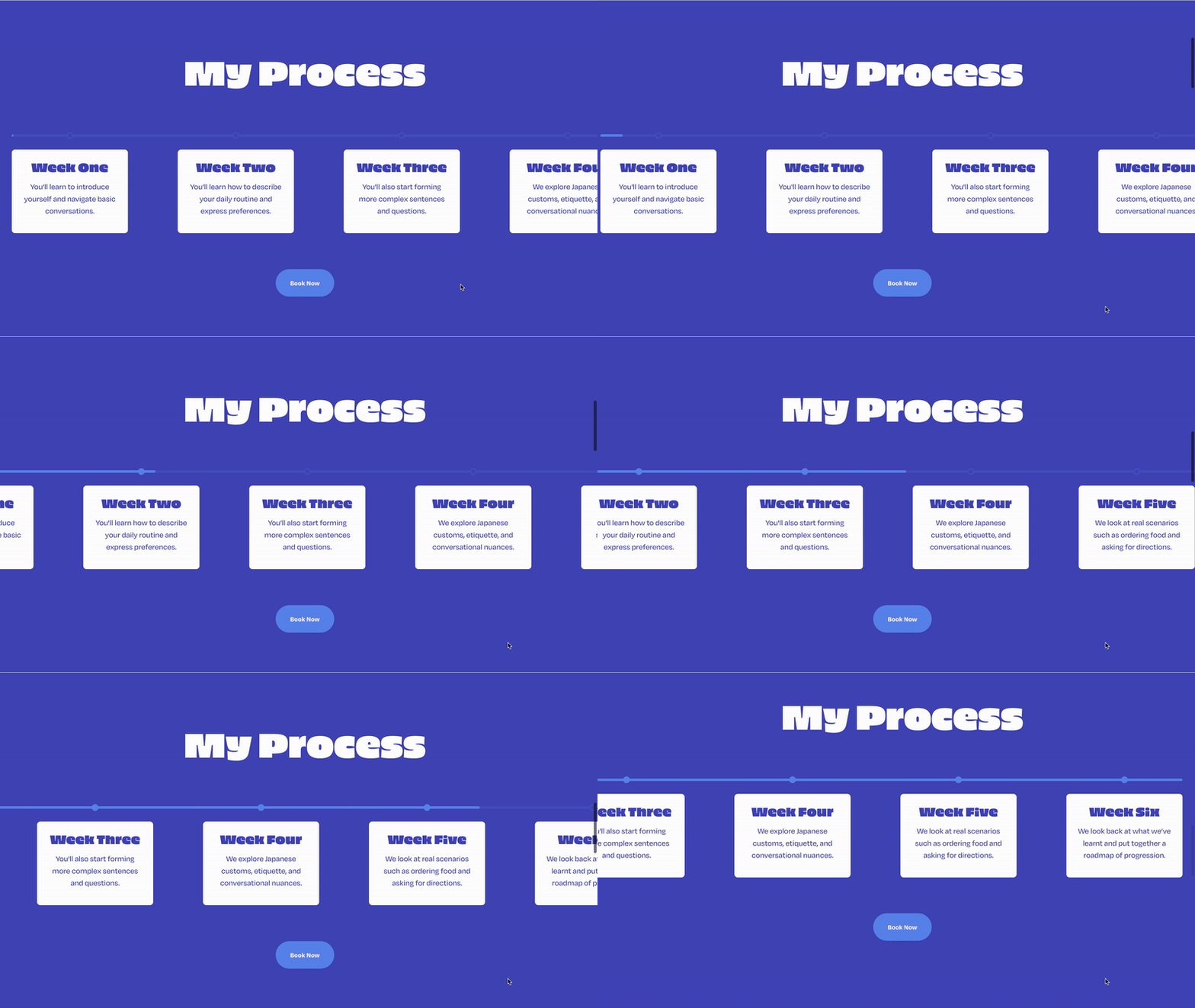
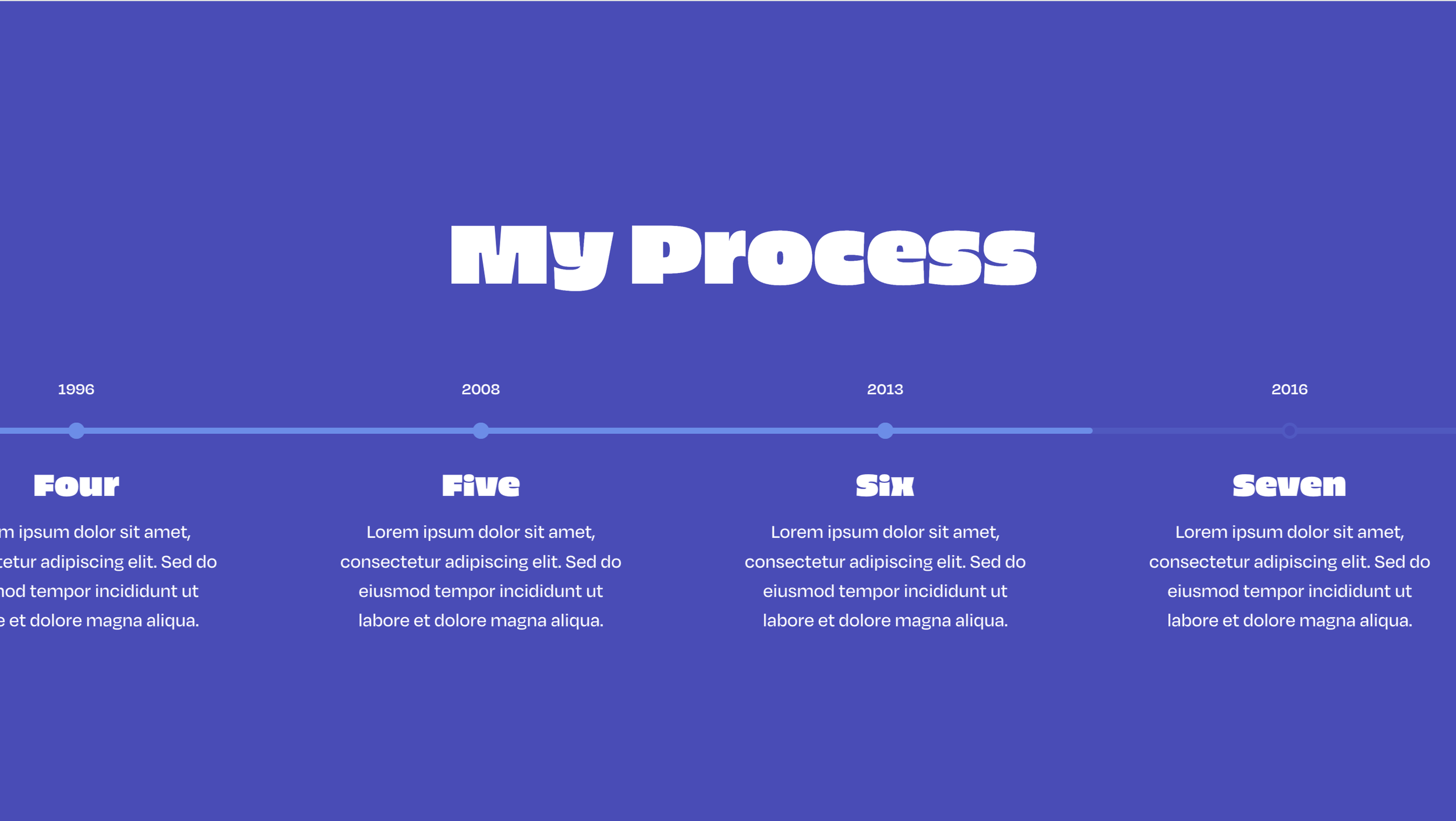
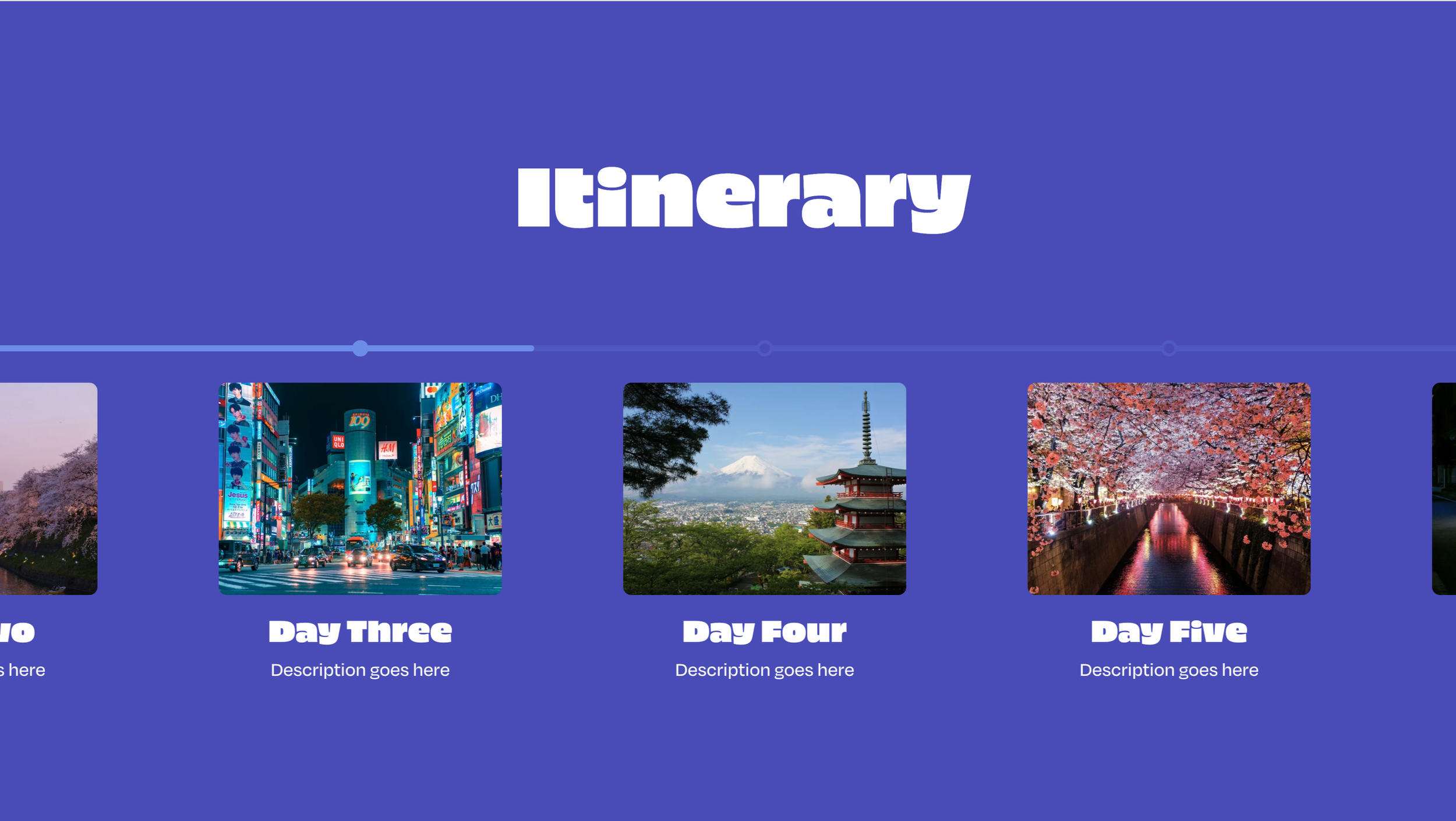
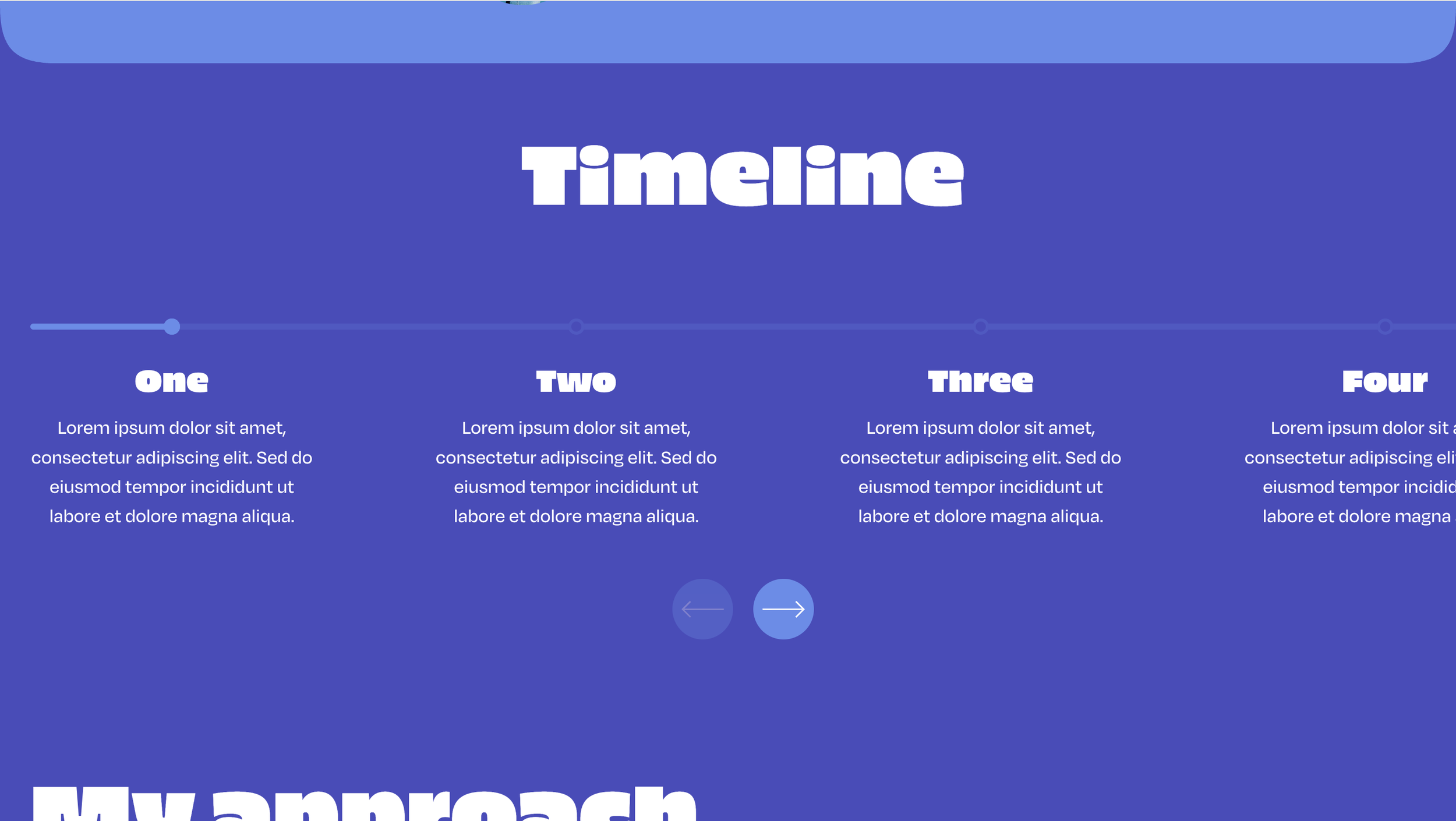
Turns a Squarespace list section into the timeline, so you write the steps in the editor as usual.
Two Columns
A sticky title and button on the left, numbered steps on the right.
Numbered Steps
Each list item becomes a numbered step with a title, description and optional button.
Scroll Progress
A progress bar fills as the visitor scrolls through the steps.
Active Numbers
Step numbers light up as the progress bar reaches them.
Sticky Intro
The left column stays put while the steps scroll past.
Fade Ahead
Steps the scroll hasn't reached yet sit quieter until they're next.
Theme Colors
The bar and active numbers pick up the section's button color.
Stacks On Mobile
Intro sits above the timeline on phones, and is no longer sticky.
How It Works
Your journey from idea to launch, broken into simple steps