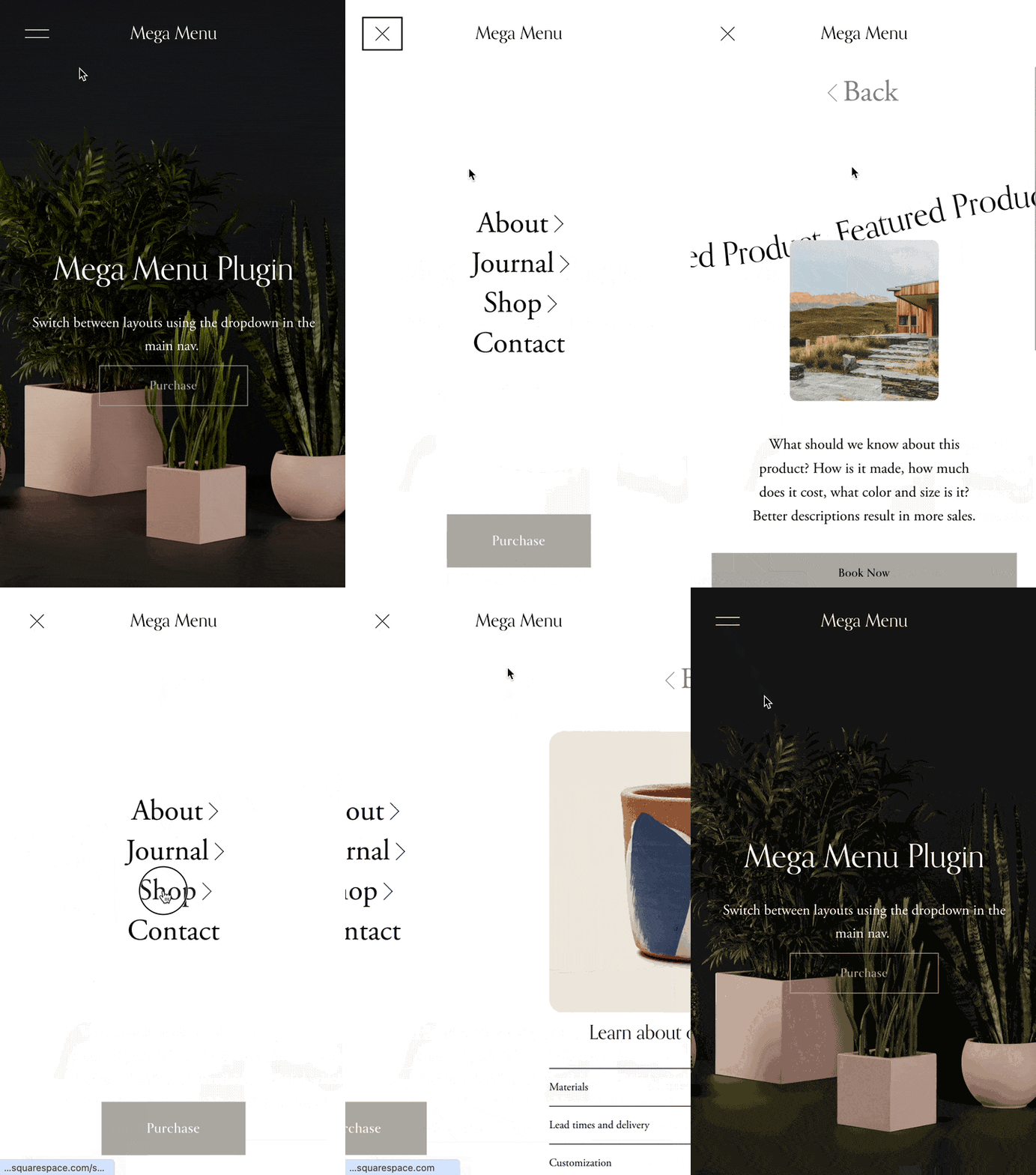
 Image 1 of 4
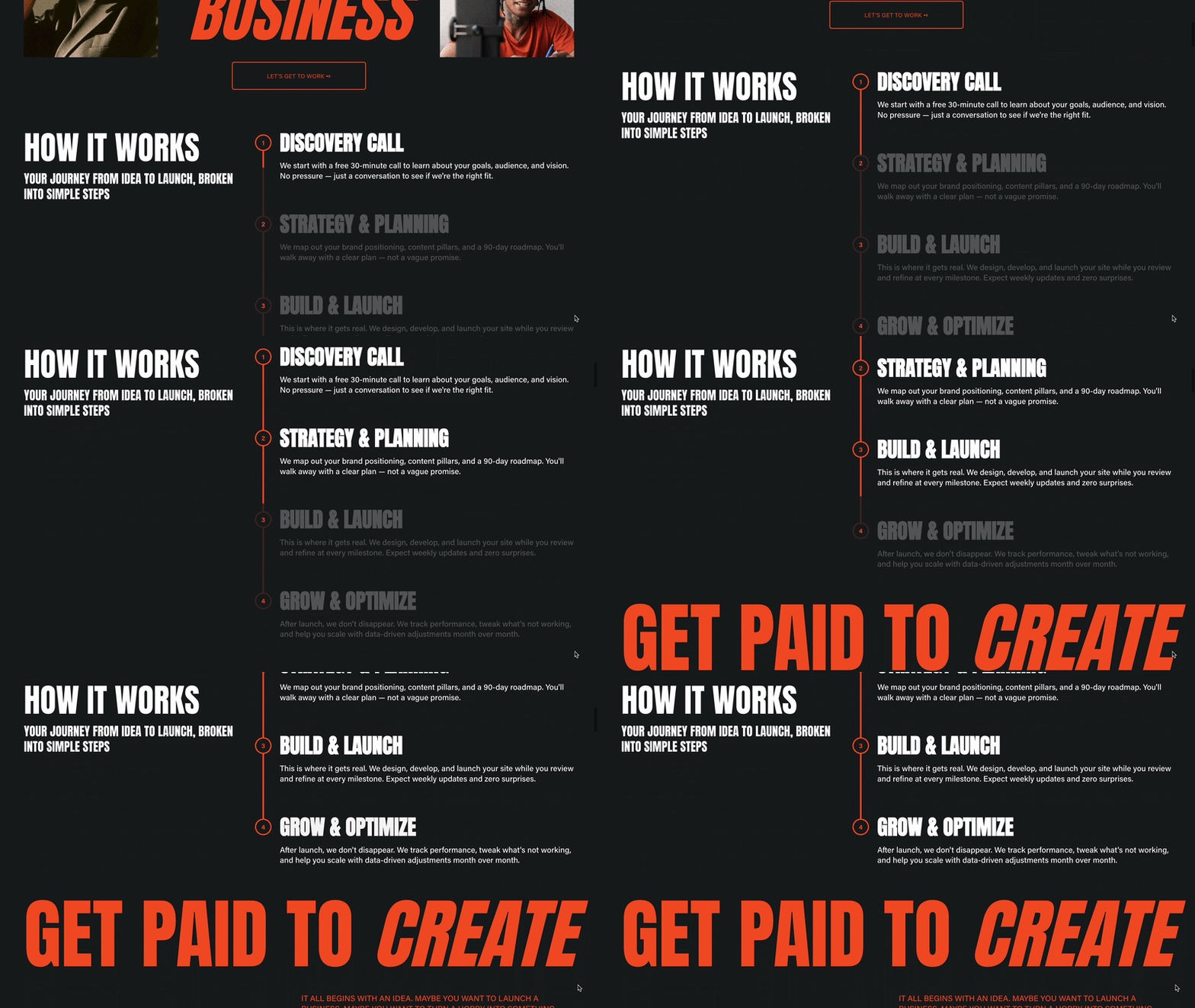
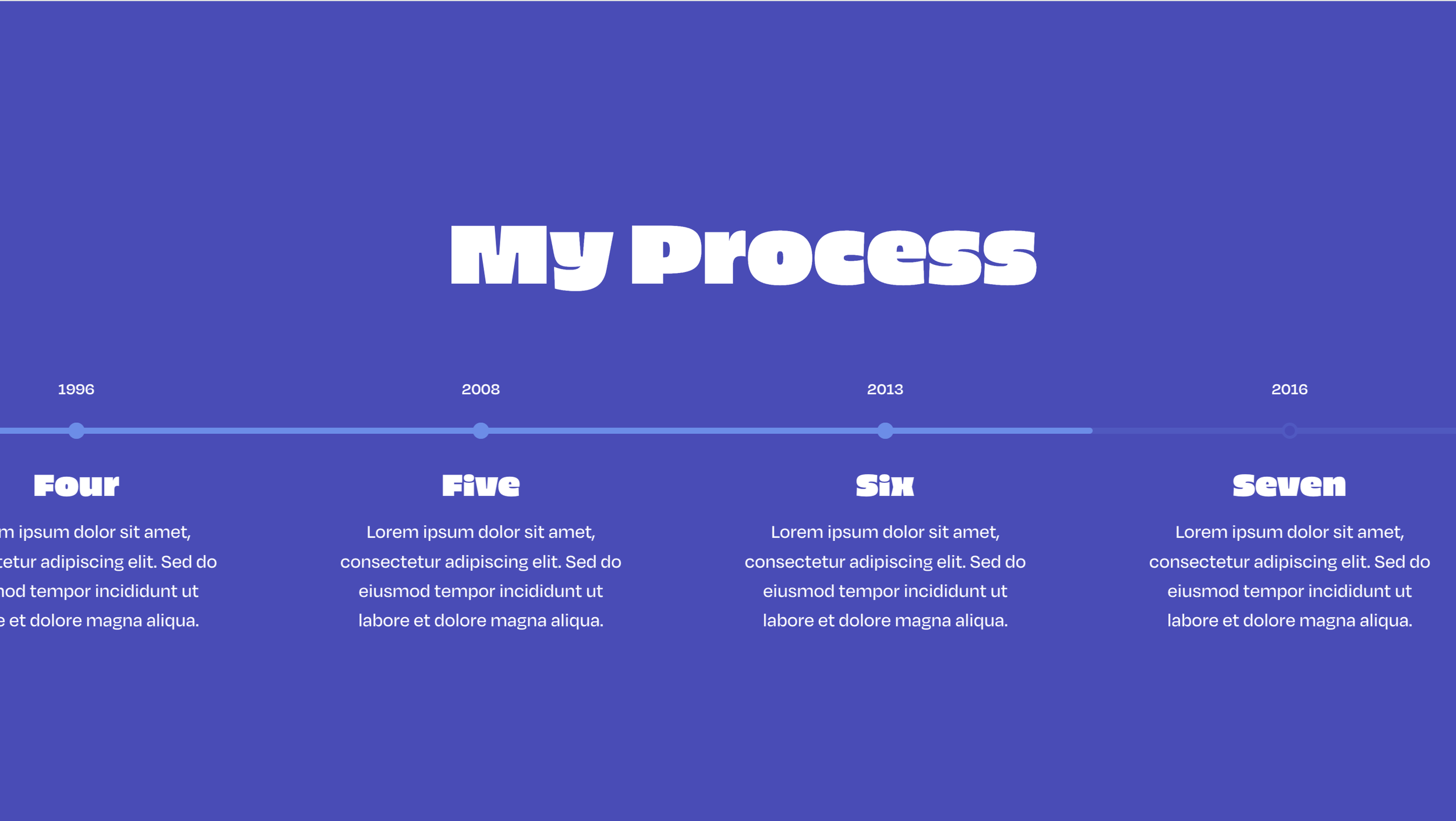 Image 2 of 4
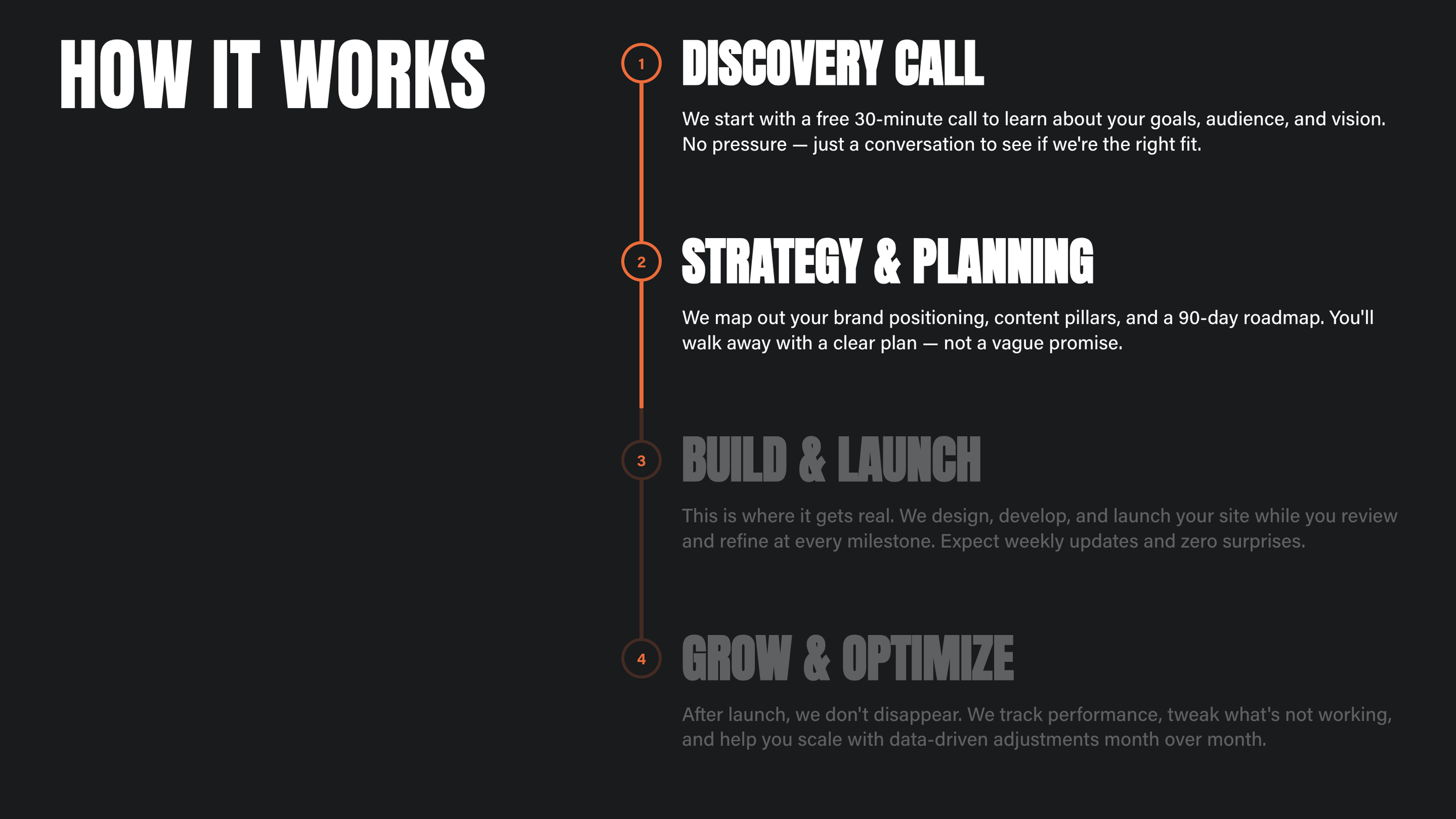
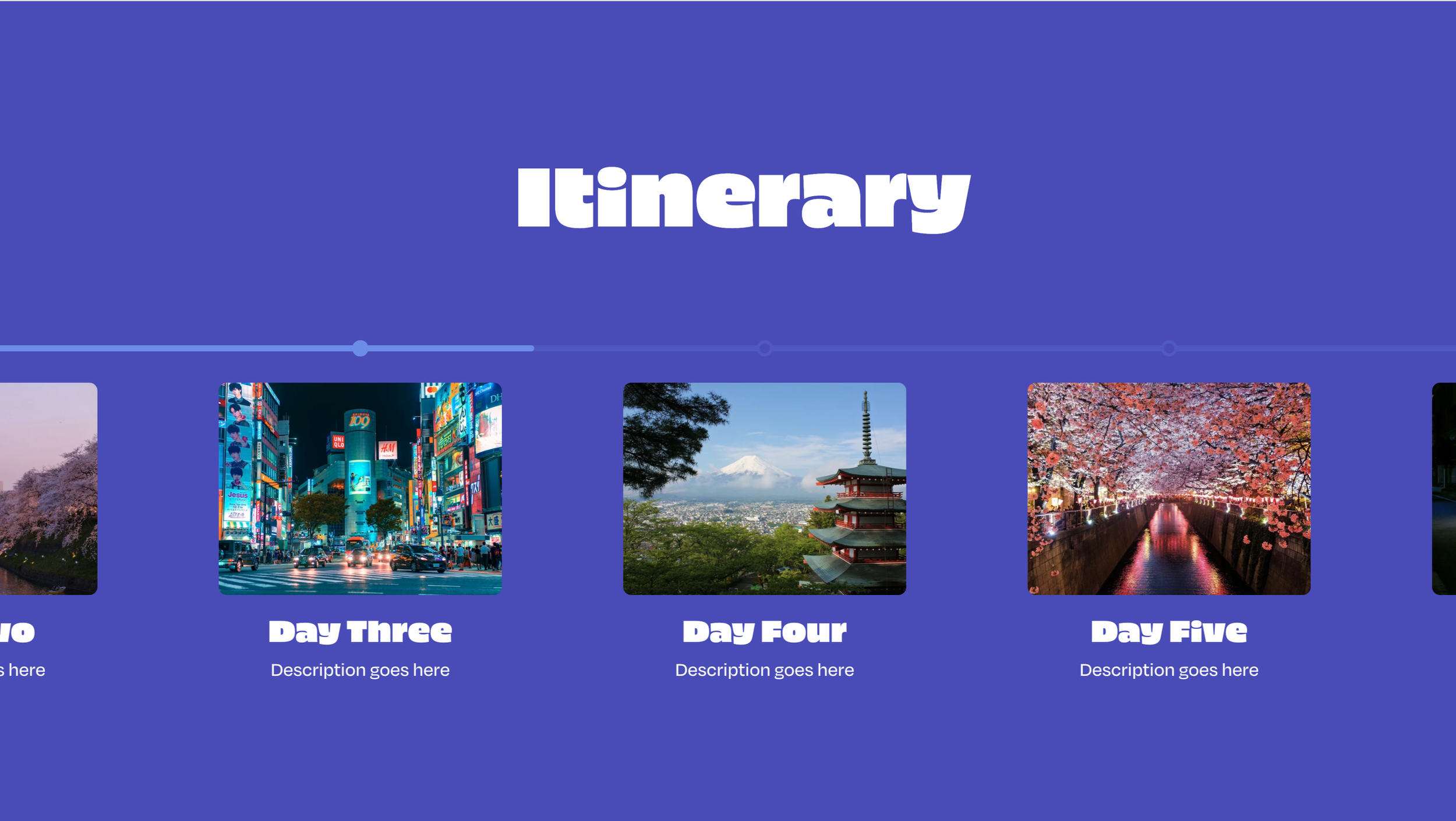 Image 3 of 4
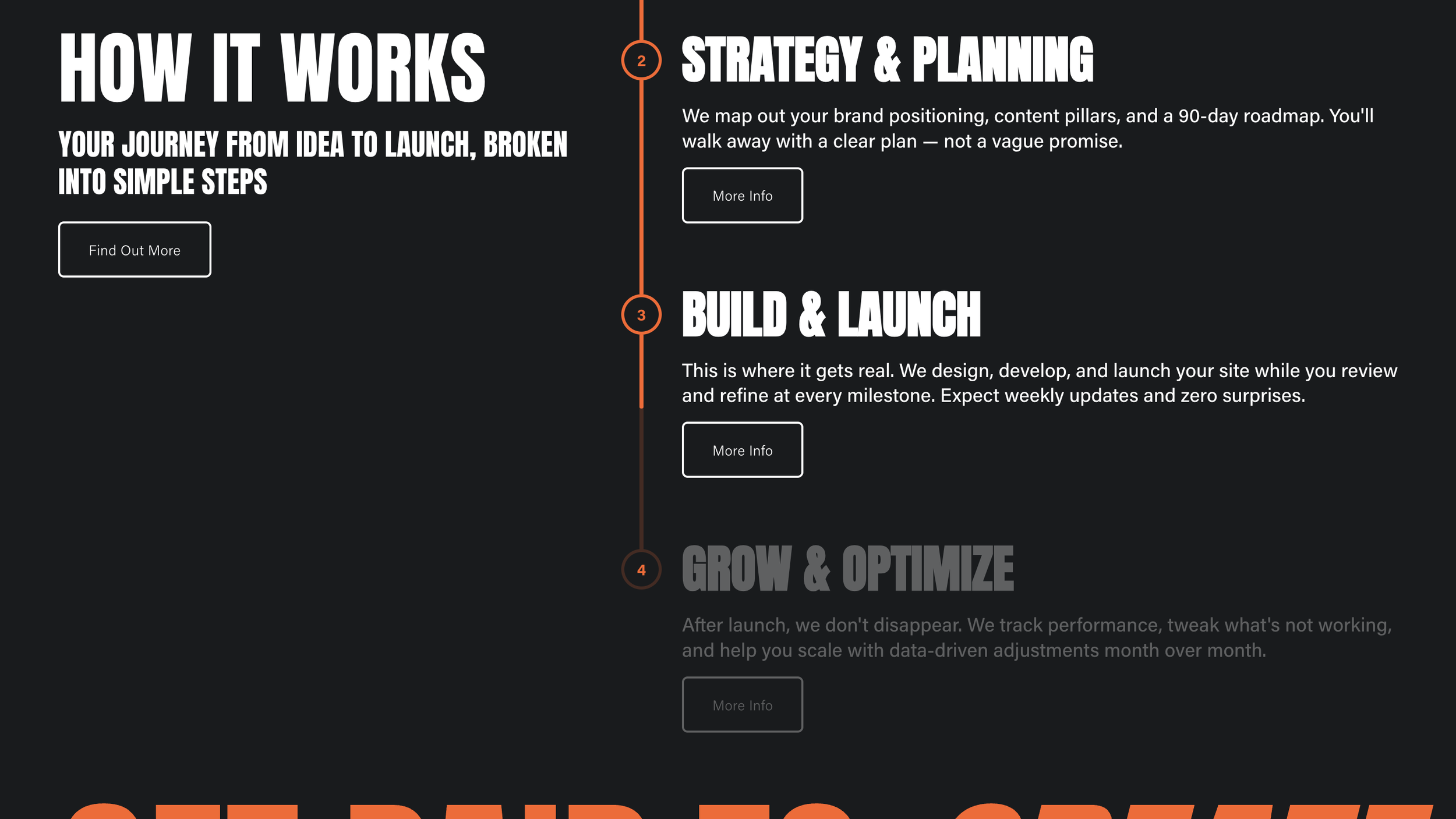
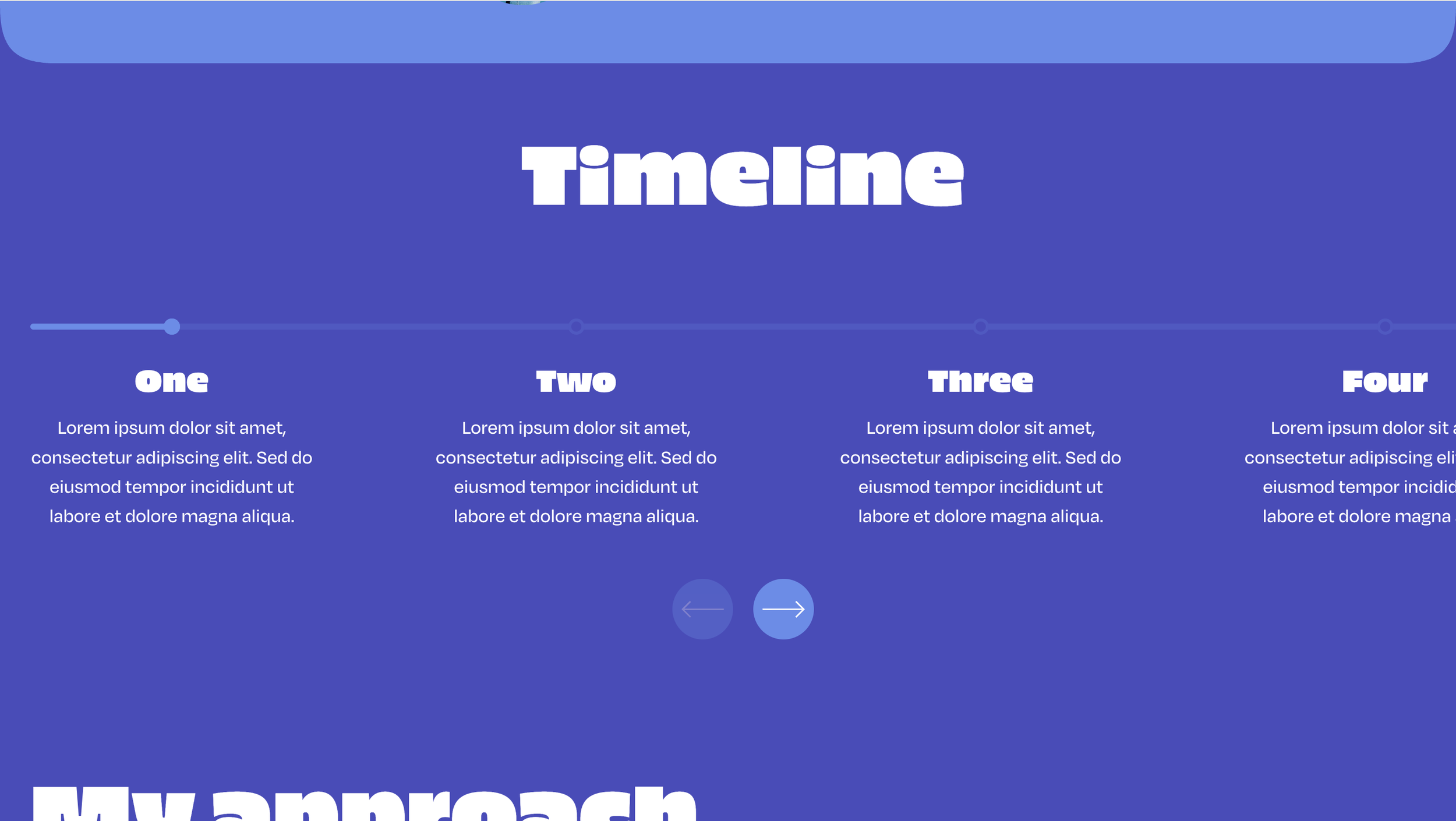 Image 4 of 4
✓ Simple Installation
✓ Customizations available via CSS
✓ Mobile Friendly
Compatible with:
Squarespace Core (Business) plans and higher (not Basic (Personal) plans)
All Squarespace 7.1 Websites
Fluid Engine Compatible
We can't guarantee compatibility with any other custom code or third-party software. Get in touch with support if you have any questions.
Single License - Allowed for use on a single website.
Multi-Use License - Allowed for use on unlimited websites, and in Squarespace Templates for sale.
This plugin comes with copy-and-paste code to customize this to your design.
Our support services are provided on a best effort basis for the first 60 days after purchase.
We offer support for universal technical issues related to this plugin, but not for individualized installation, customization, or development services beyond what's presented on the installation page.
We can't guarantee compatibility with other plugins or third-party software.
✓ Use as part of a template you’re building
✓ Approved for use on unlimited websites
-
One-Time Purchase
Pay once and it’s yours. No subscription and no renewal fees.
-
Maintenance
We automatically update our plugins to stay up to date with Squarespace.
-
Support
We pride ourselves on our friendly, human support.
-
Simple Installation
Every plugin comes with clear instructions and copy-and-paste code.
Features
List Section
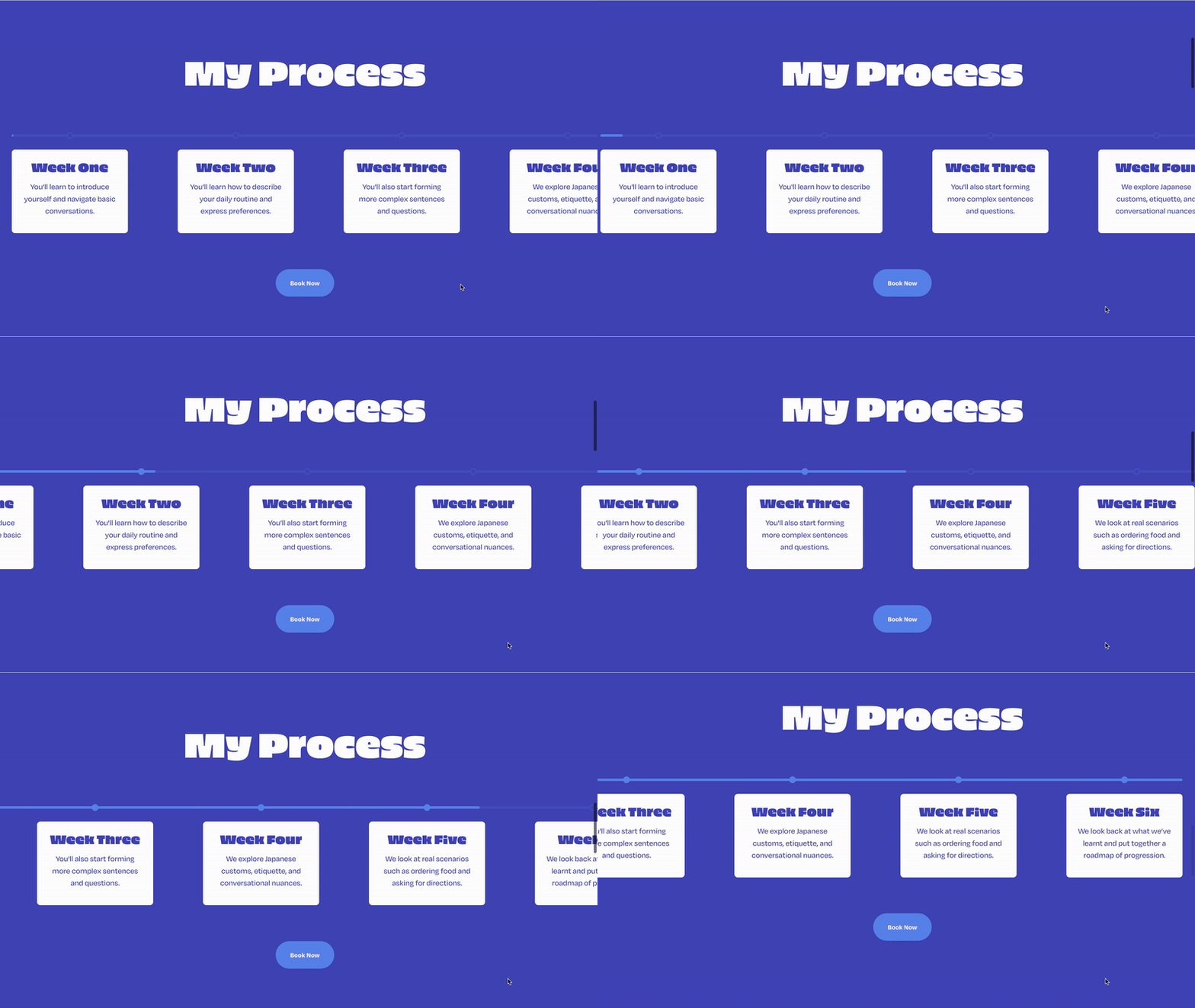
Turns a Squarespace list section into the timeline, so you write the items in the editor as usual.
Horizontal Scroll
Items slide sideways as the visitor scrolls down the page.
Progress Bar
A bar fills across the track as the visitor moves through the items.
Images & Copy
Each item keeps its image, title, description and optional button.
Date Labels
Put a year or date in square brackets in the title and it sits above the bar.
Filled Dots
Dots along the track fill in as each item is reached.
Scroll or Arrows
Drive it with the page scroll, or switch to arrow buttons instead.
Vertical On Mobile
Stacks into a vertical timeline on phones, if you'd rather not scroll sideways.
Theme Colors
The bar, dots and arrows pick up the section's button color.
My Process
-
Week One
You'll learn to introduce yourself and navigate basic conversations.
-
Week Two
You'll learn how to describe your daily routine and express preferences.
-
Week Three
You'll also start forming more complex sentences and questions.
-
Week Four
We explore Japanese customs, etiquette, and conversational nuances.
-
Week Five
We look at real scenarios such as ordering food and asking for directions.
-
Week Six
We look back at what we’ve learnt and put together a roadmap of progression.